Tallyfy lets you create reusable process templates three ways. Build from scratch, generate with…
Create your first template
What’s a template?
Section titled “What’s a template?”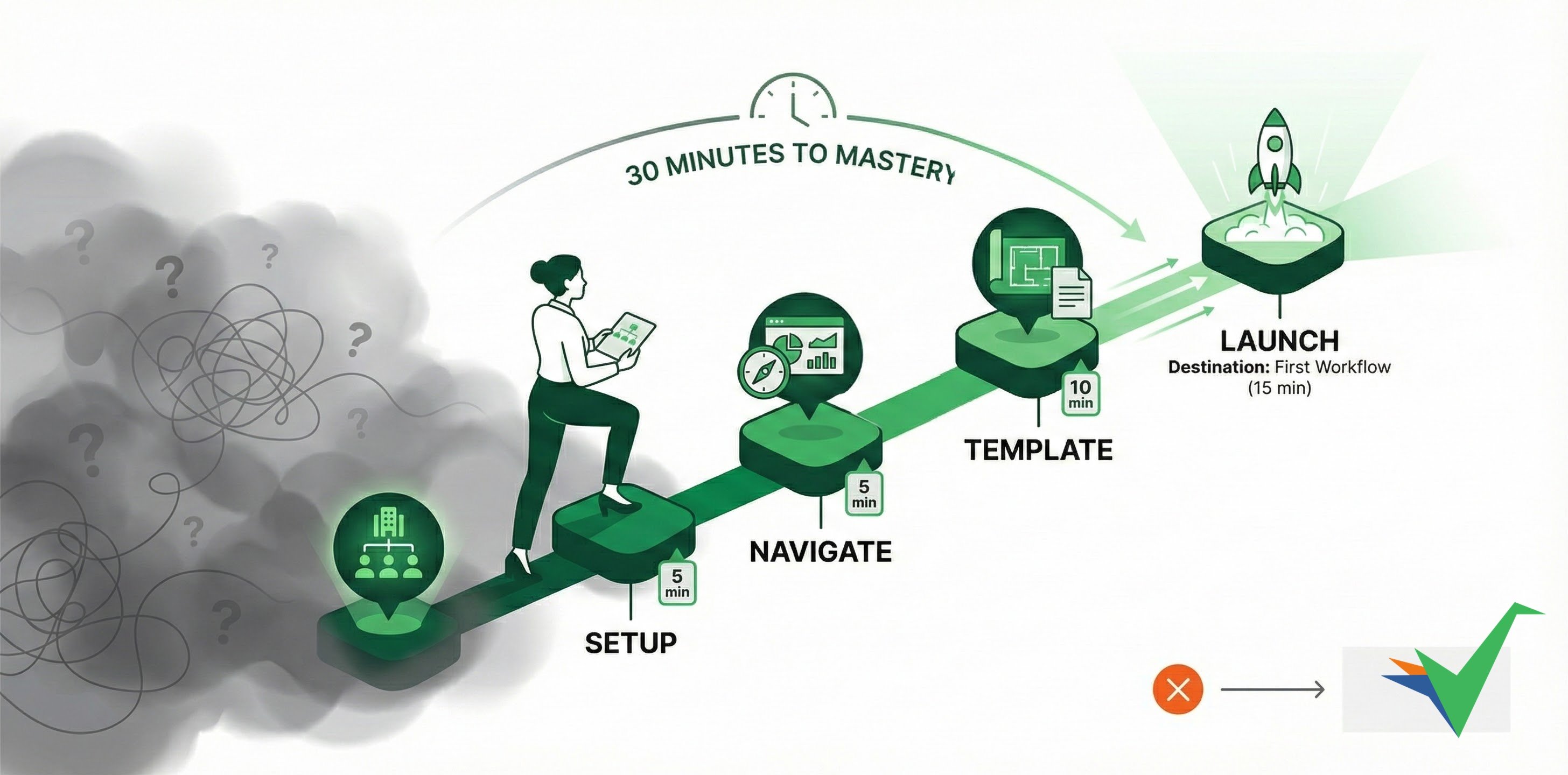
Templates are reusable blueprints for repeatable processes. Build one, then run it consistently every time.
Create a template with Tallyfy AI
Section titled “Create a template with Tallyfy AI”The fastest way to build a template is with Tallyfy AI:
- Click + Create in the top left sidebar.
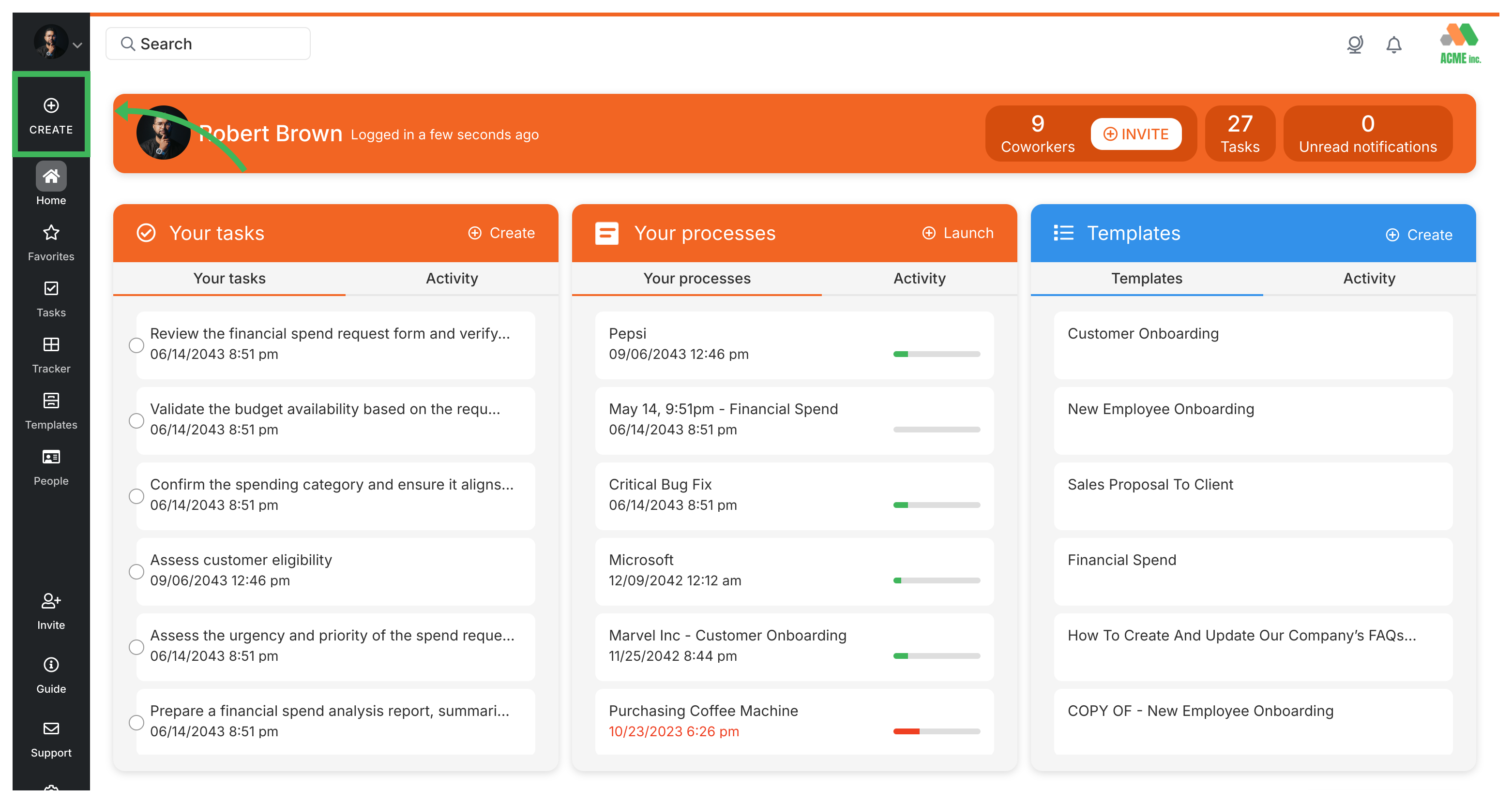
- Select Create Template.
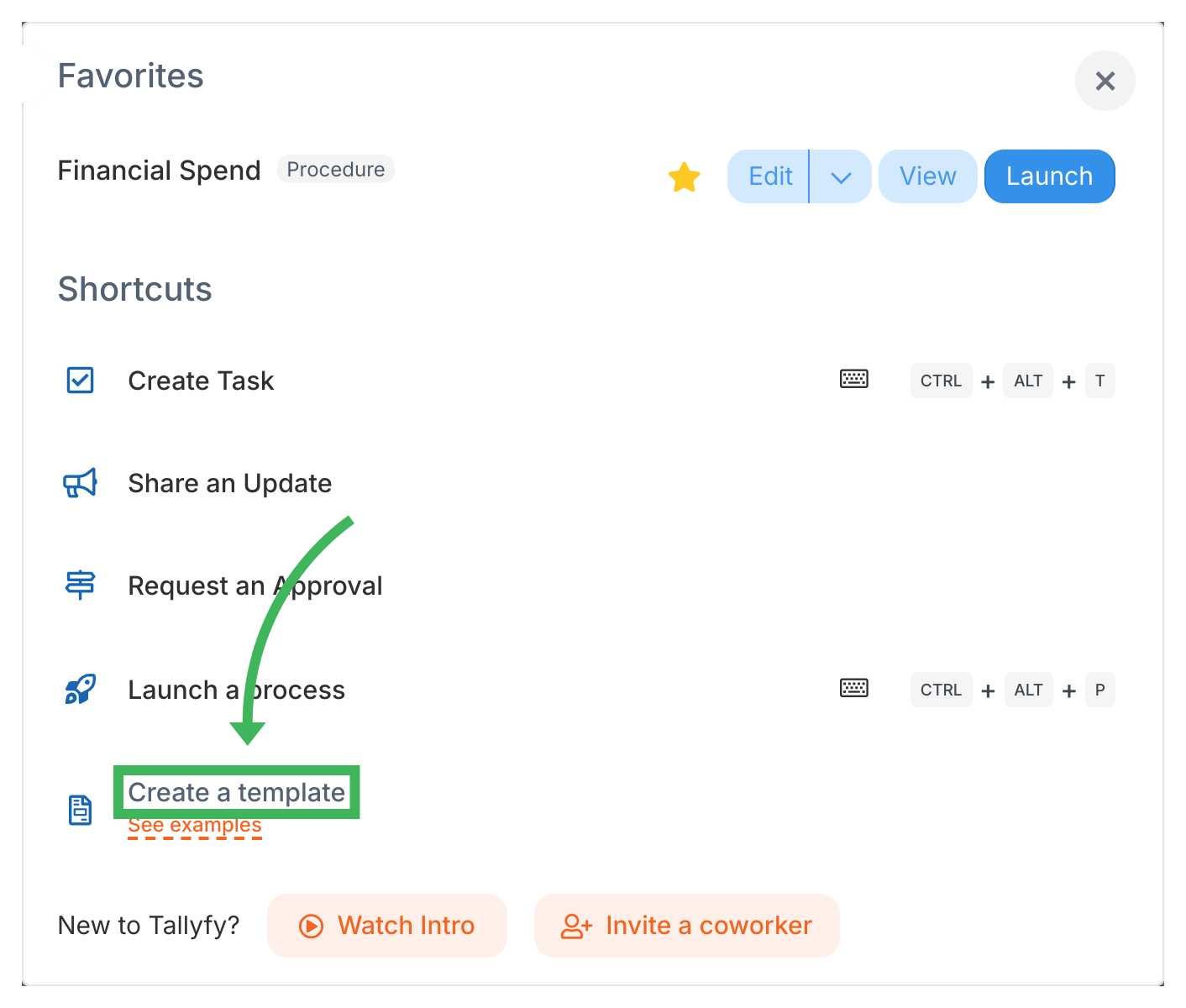
- Choose Tallyfy AI as the creation method. You’ll also see From scratch and From SOP document options.
- Describe the process you want. For example, a “Client Onboarding” process for an accounting firm:
- Select Procedure as the template type.
- Enter a descriptive name, like “Client Onboarding for Accounting Firm”.
- (Optional) Specify your company type (e.g., Accounting) to give the AI more context.
- Click Create.
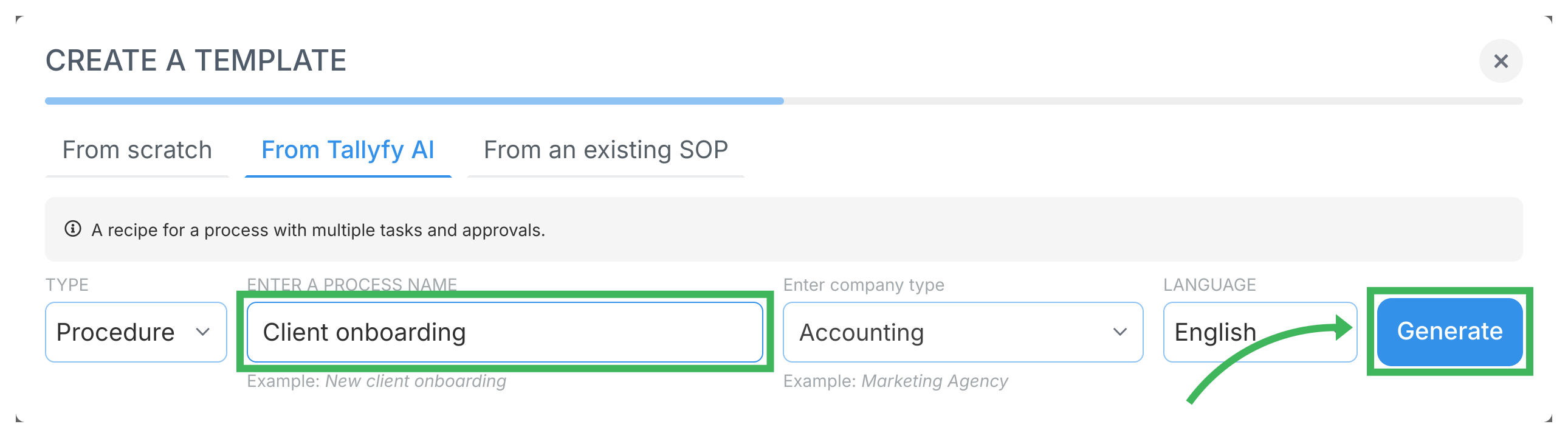
- Tallyfy AI generates suggested steps. Review them - you can edit them later - and click Continue.
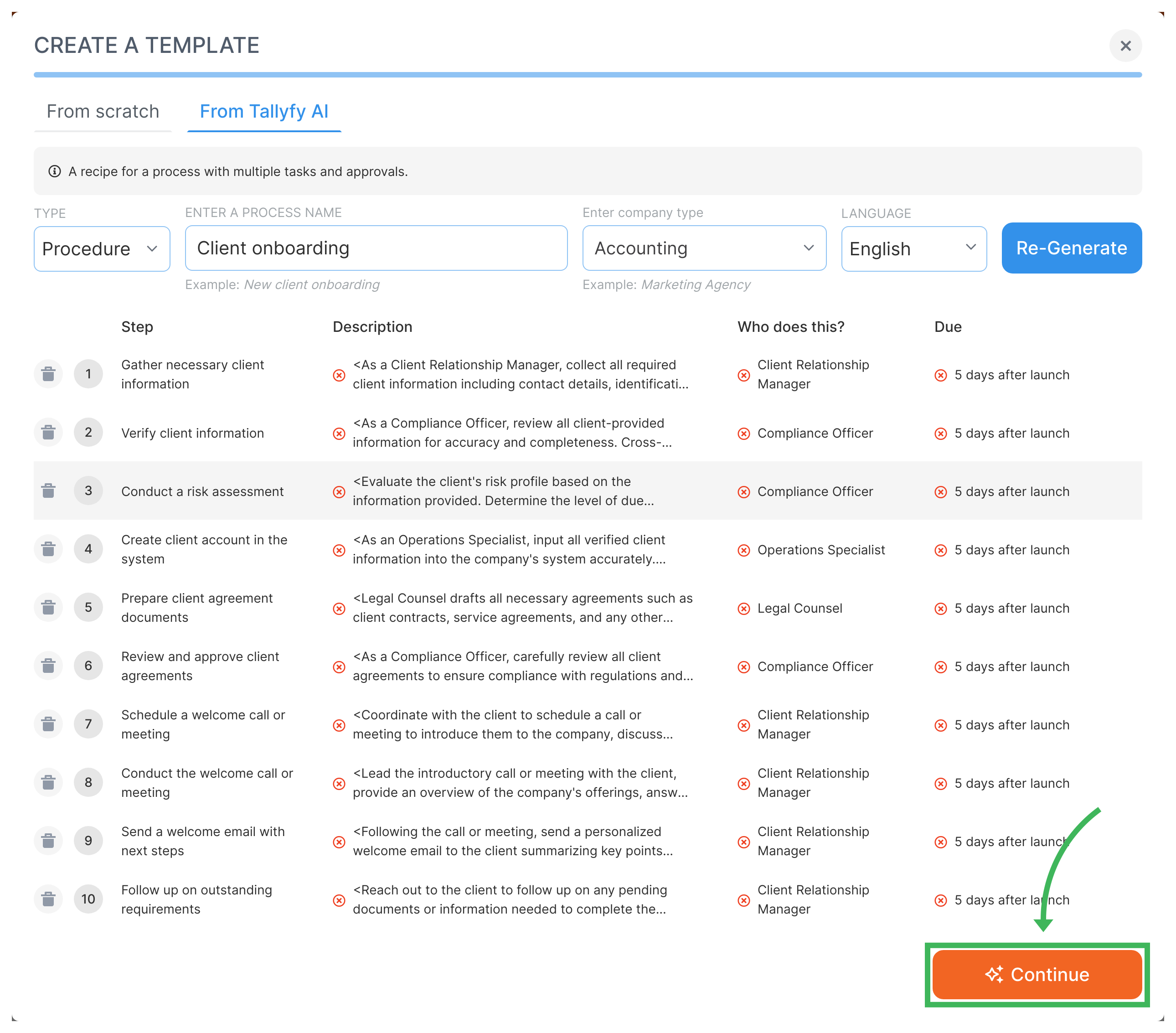
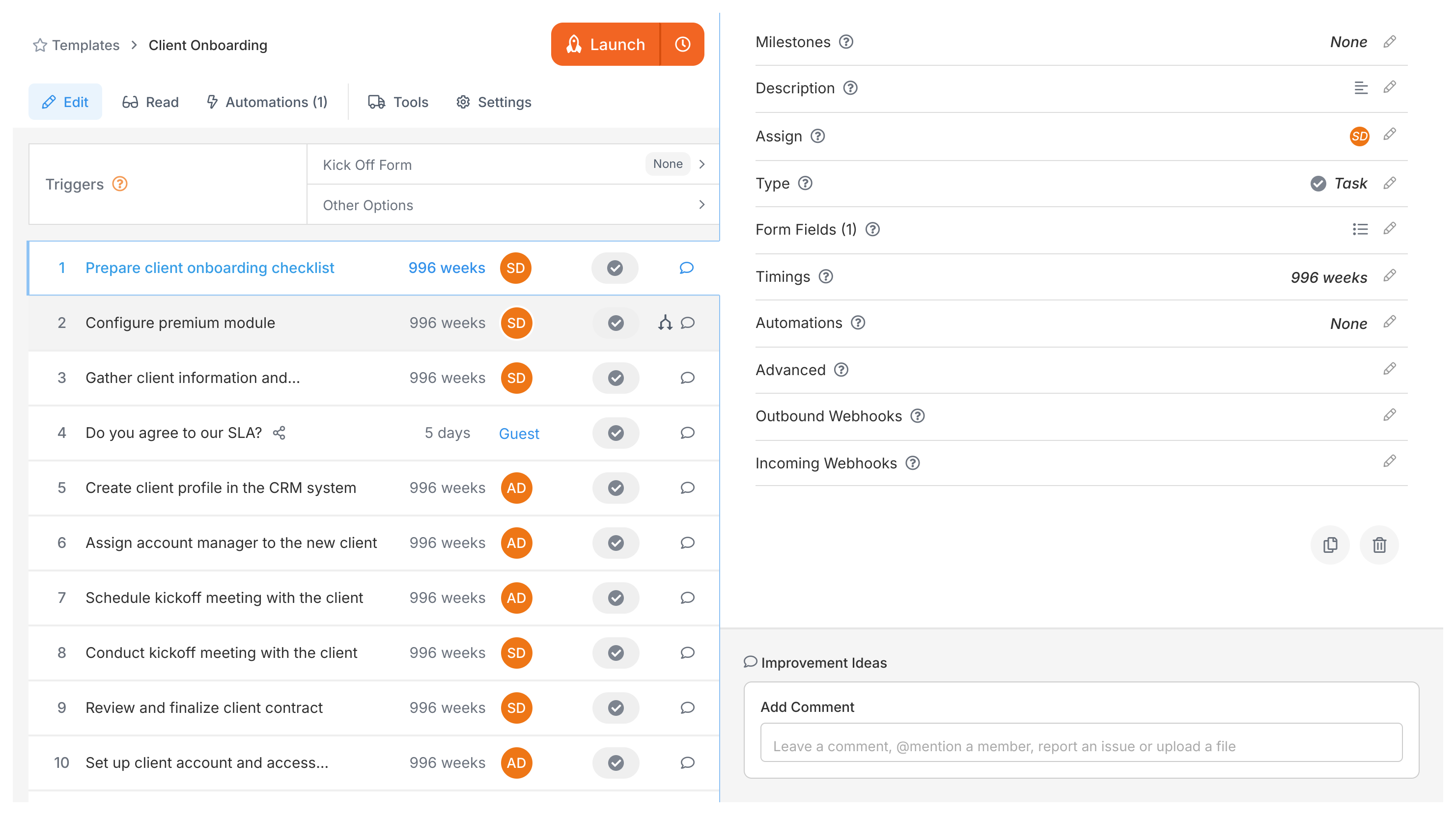
- Done! You’re now in the template editor. Refine steps or launch your first process.
Other creation methods
Section titled “Other creation methods”- From scratch - Build steps manually for full control over every detail.
- From SOP document - Upload a Word doc, PDF, or flowchart. Tallyfy AI converts it into a structured template.
See Create a template for details on all methods.
Related articles
Section titled “Related articles” Tallyfy templates are reusable blueprints you create once and launch repeatedly. They assign…
Get started with Tallyfy in under 30 minutes. These step-by-step tutorials cover organization…
Tallyfy helps you fix your processes first. Move your SOPs, flowcharts and checklists into…
About Tallyfy