Tracker View > Check process activity
Every running process in Tallyfy has a built-in activity log that records task completions…
Click the bell icon in the top right corner of Tallyfy to open your notifications dropdown. You’ll see recent alerts, with a link to your full notification history.
Tallyfy notifies you when someone assigns you a task, comments on your work, completes a task you’re involved in, reports or resolves an issue, updates a deadline, or mentions you. If you’ve got unread notifications, a count badge appears on the bell icon.
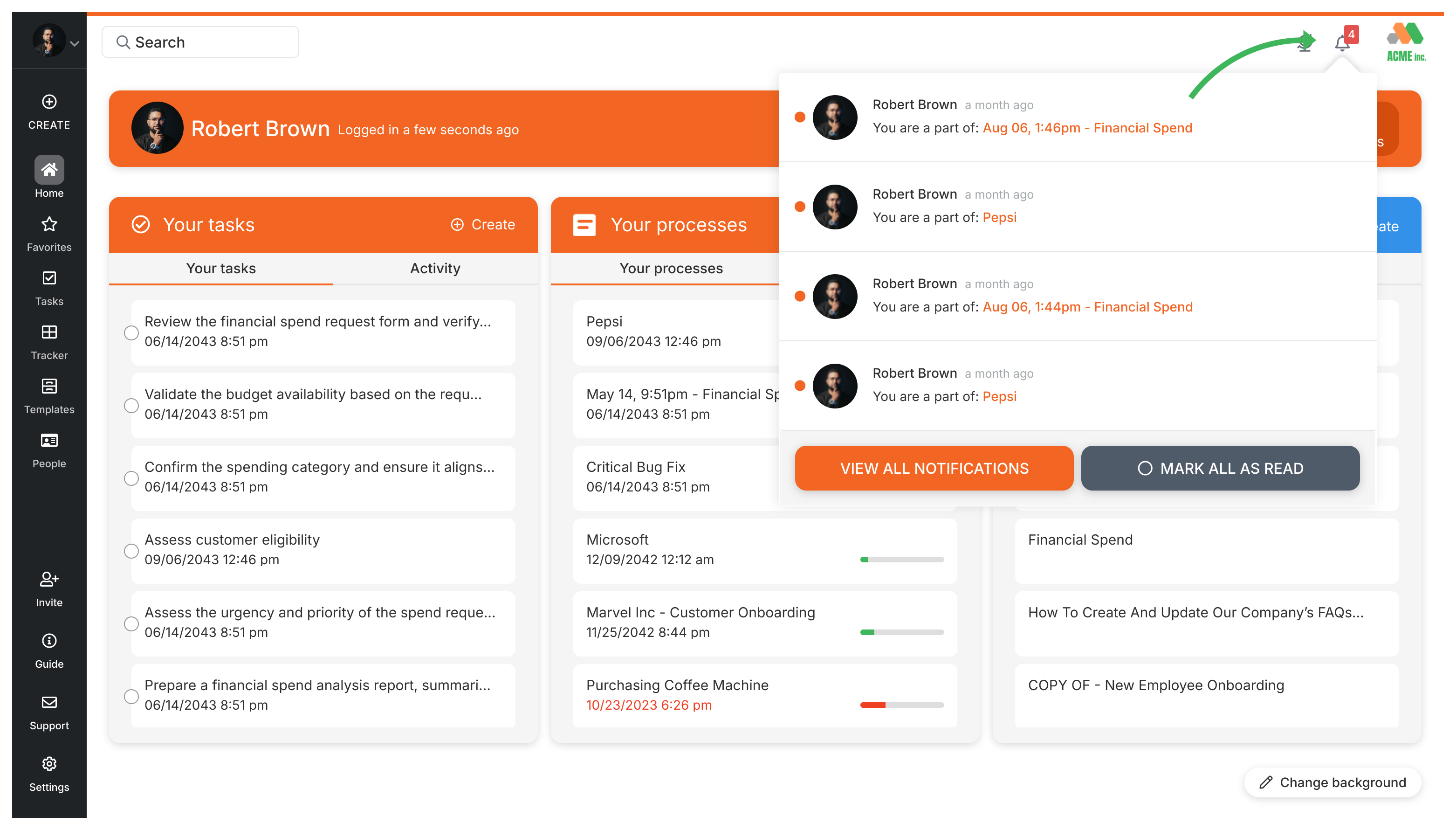
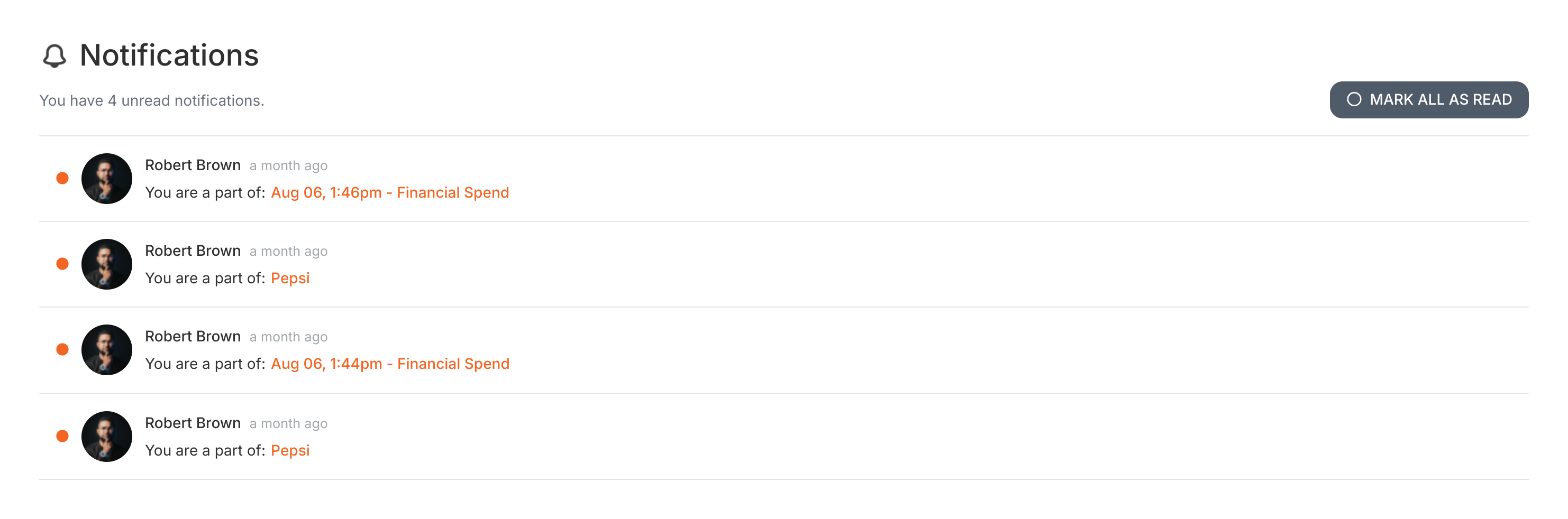
This takes you to your complete notification history: every alert, update, and message in one place. You can also click MARK ALL AS READ to clear your unread count.
Tracker View > Check process activity
How To > Ensure task completion
Miscellaneous > See product updates
Tracking And Tasks > Tasks view