Tallyfy’s conditional logic lets workflows make automatic decisions using simple “IF X happens”…
If-this-then-that
How does if-this-then-that work in Tallyfy?
Section titled “How does if-this-then-that work in Tallyfy?”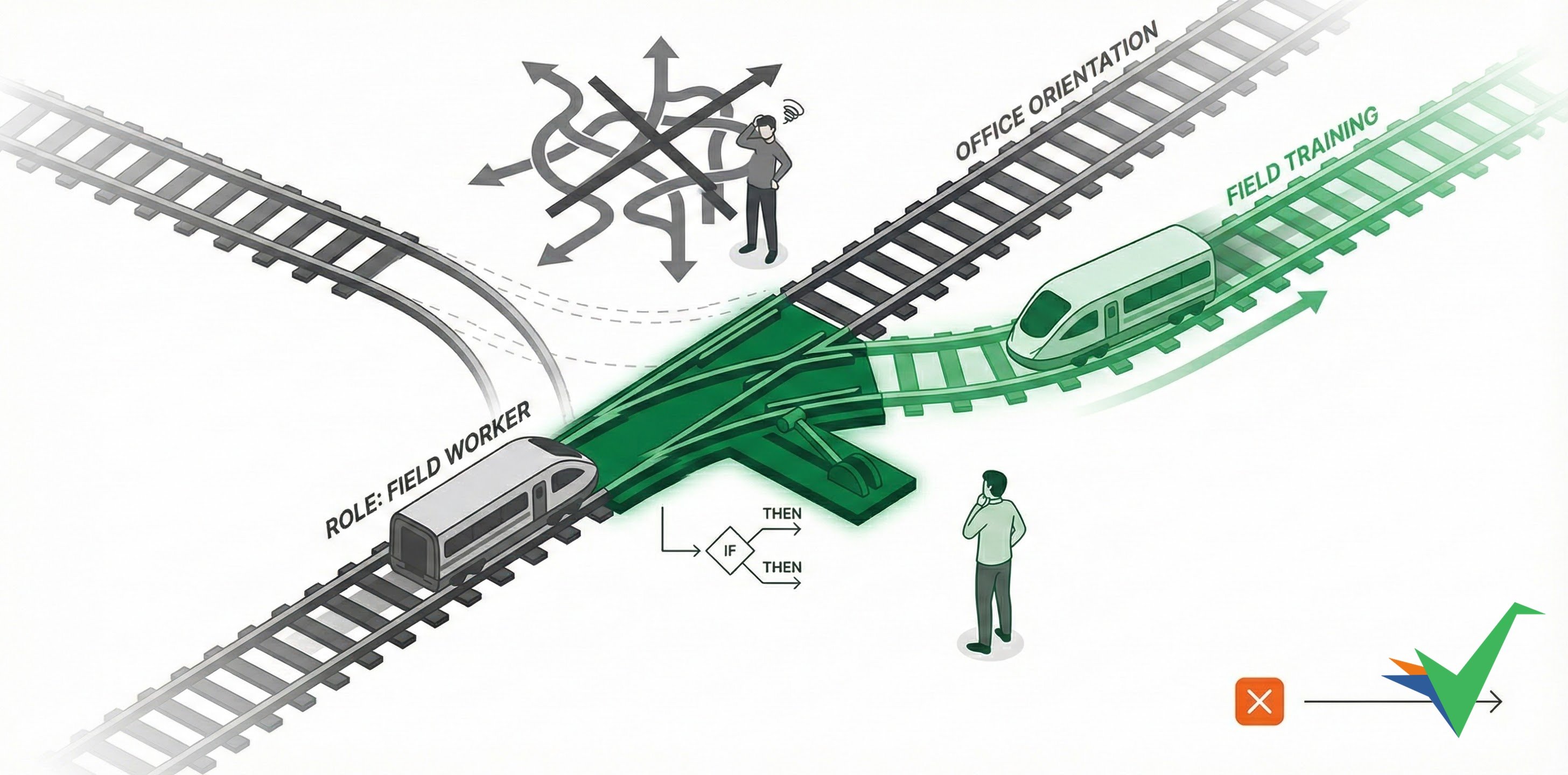
Tallyfy uses automations, which pair an “if this” with a “then that”, to make decisions and trigger actions in your processes automatically. Your workflows respond to changing conditions, user inputs, and process states - without manual intervention or coding.
Why automations instead of flowcharts?
Section titled “Why automations instead of flowcharts?”Complex flowcharts confuse business users and are hard to maintain. Tallyfy’s clear if-this-then-that statements are easier to read, manage, and stay accessible to all team members - even for sophisticated scenarios with multiple conditional branches.
Do I need programming skills?
Section titled “Do I need programming skills?”No. You don’t need any programming expertise. You can set up an automation like “IF the amount exceeds $500, THEN show the manager approval step” through a simple configuration screen.
Can teams manage their own automations?
Section titled “Can teams manage their own automations?”Yes - teams can adjust their own workflow logic and don’t need IT help every time something changes.
How does this connect to other tools?
Section titled “How does this connect to other tools?”While they’re simple to create, automations can trigger actions in other systems using Tallyfy’s API, Middleware, or Webhooks.
What actions can an automation trigger?
Section titled “What actions can an automation trigger?”- Change task assignments
- Adjust task deadlines
- Show or hide steps
- Re-open completed tasks
How can I convert existing flowcharts?
Section titled “How can I convert existing flowcharts?”If you have existing flowcharts, Tallyfy’s AI import tool can help turn them into runnable templates.
Related articles
Section titled “Related articles” A Tallyfy automation pairs conditions with actions on a template, so running processes adapt to…
Tutorials > Create an automation
Tallyfy automations pair an If with a Then to adapt workflows at runtime. You can hide and…
Automations > Logic operations explained
Tallyfy automations pair an If with a Then instead of using flowcharts. They watch user inputs…
About Tallyfy