Tallyfy includes a built-in user guide that’s accessible right inside the app. Click the ?
See product updates
How to see what’s new in Tallyfy
Section titled “How to see what’s new in Tallyfy”There are two ways to check what’s changed:
Inside the app
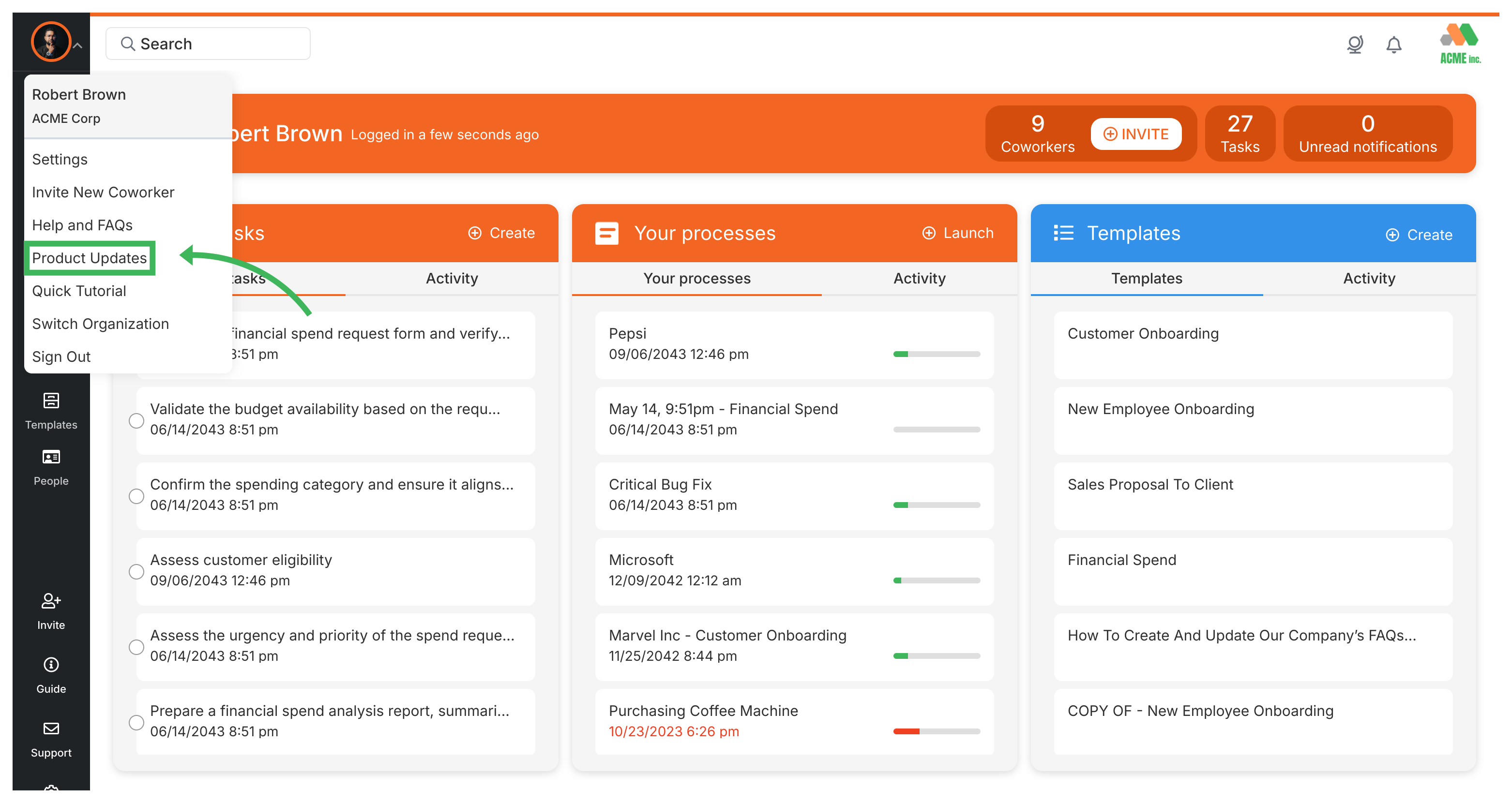
Section titled “Inside the app”Click your name in the top-right corner, then select Latest Updates from the dropdown. You’ll see recent improvements and new features.
On the changelog page
Section titled “On the changelog page”Visit tallyfy.com/changelog ↗ for detailed release notes and feature announcements.
Related articles
Section titled “Related articles”Tracking And Tasks > Check notifications
Click the bell icon in Tallyfy’s top right corner to see recent alerts for task assignments…
Find resources beyond Tallyfy’s core workflow tools. Topics include company background, support…
Tallyfy turns static process documentation into dynamic, trackable workflows. Key features…
About Tallyfy