Org Settings > Customize your organization
Tallyfy’s organization customization settings let admins control member permissions and…
Admins can customize Tallyfy to match your company’s visual identity - including your logo, brand colors, guest-facing interfaces, and custom CSS styling.
#FF5733). Tallyfy auto-generates matching shades for text, links, and UI elements.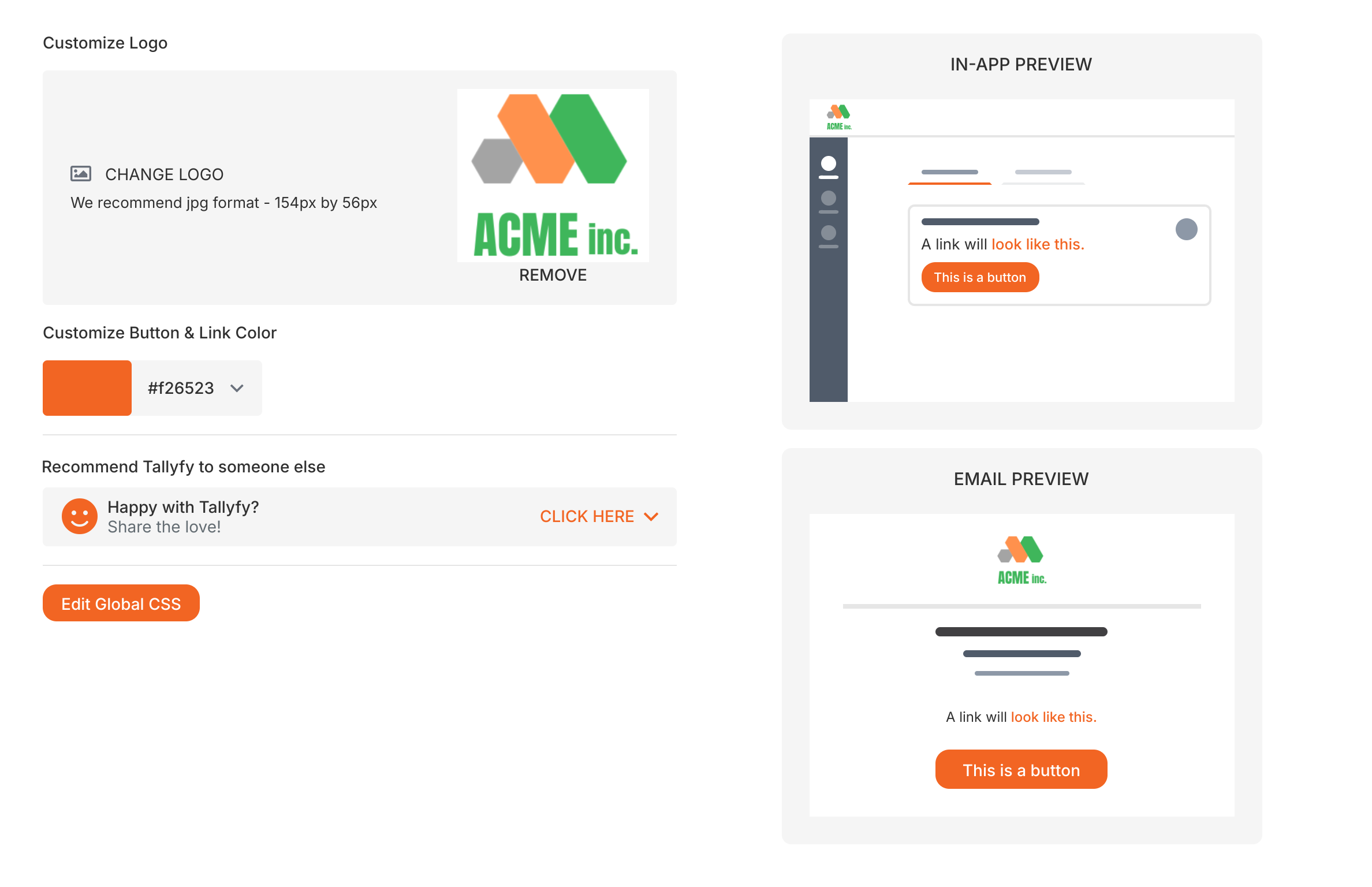
You can add custom CSS rules to change how headings, lists, tables, and other elements appear in task descriptions, templates, and documents across your Tallyfy account.
For example, you could make all H2 headings use a specific brand color, or restyle tables to match your corporate design.
ul,ol { list-style-position: outside; padding-left: 1rem !important;}ul { list-style-type: none;}ul li { vertical-align: middle;}ul li::before { content: "▪"; color: #f26523; display: inline-block; align-items: center; width: 1rem; margin-left: -1rem; font-size: 22px; vertical-align: middle;}table { margin-left: 0 !important; width: 100% !important;}table tbody tr td { padding: 8px 12px;}table > thead tr td,table > tbody:first-child tr:first-child td { background: #f26523;}table > thead tr td,table > thead tr td *,table > tbody:first-child tr:first-child td,table > tbody:first-child tr:first-child td * { color: white !important;}table > tbody:first-child tr:nth-child(odd):not(:first-child) td,table > tbody:not(:first-child) tr:nth-child(odd) td { background-color: white;}table tbody tr:nth-child(even) td { background-color: #f2f2f2;}h1,h1 * { font-weight: 400 !important;}h1,h2,h3 { margin-top: 1rem !important; margin-bottom: 1rem !important;}Tallyfy offers extensive branding options, but complete white-labeling (hiding all Tallyfy references) isn’t feasible. Here’s why.
tallyfy.com domain. These security protocols can’t function on custom domains.tallyfy.com domain for security and licensing reasons.tallyfy.com. Your users will need access to help docs, revealing Tallyfy as the platform.You can configure Tallyfy to send all emails through your company’s email server instead of Tallyfy’s default. This keeps your brand consistent across all email communications. Learn more: Customize email sending.
Org Settings > Customize your organization
Settings > Organization settings