Tasks View > Organize tasks and processes into folders
Tallyfy lets you organize active tasks and running processes using two independent folder…
You can group active processes into folders in the Tracker view - by client, project, status, or whatever makes sense for your team. Here’s how it works.
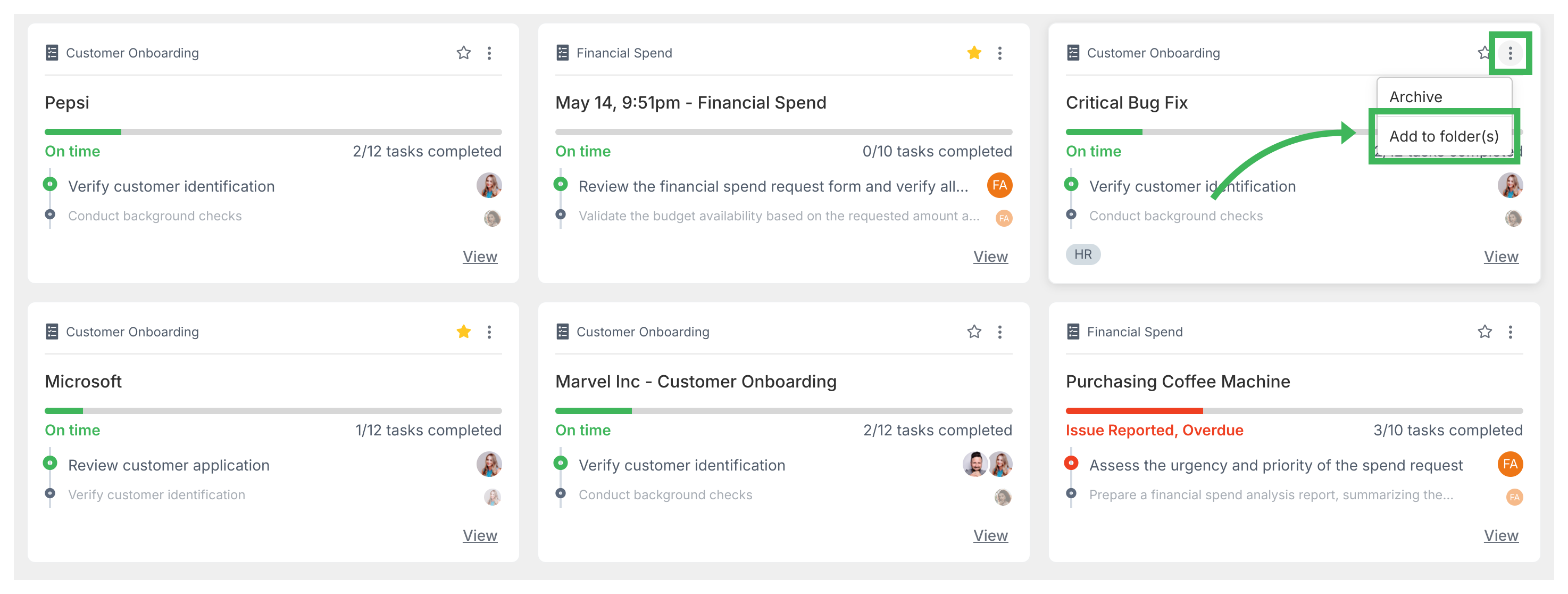
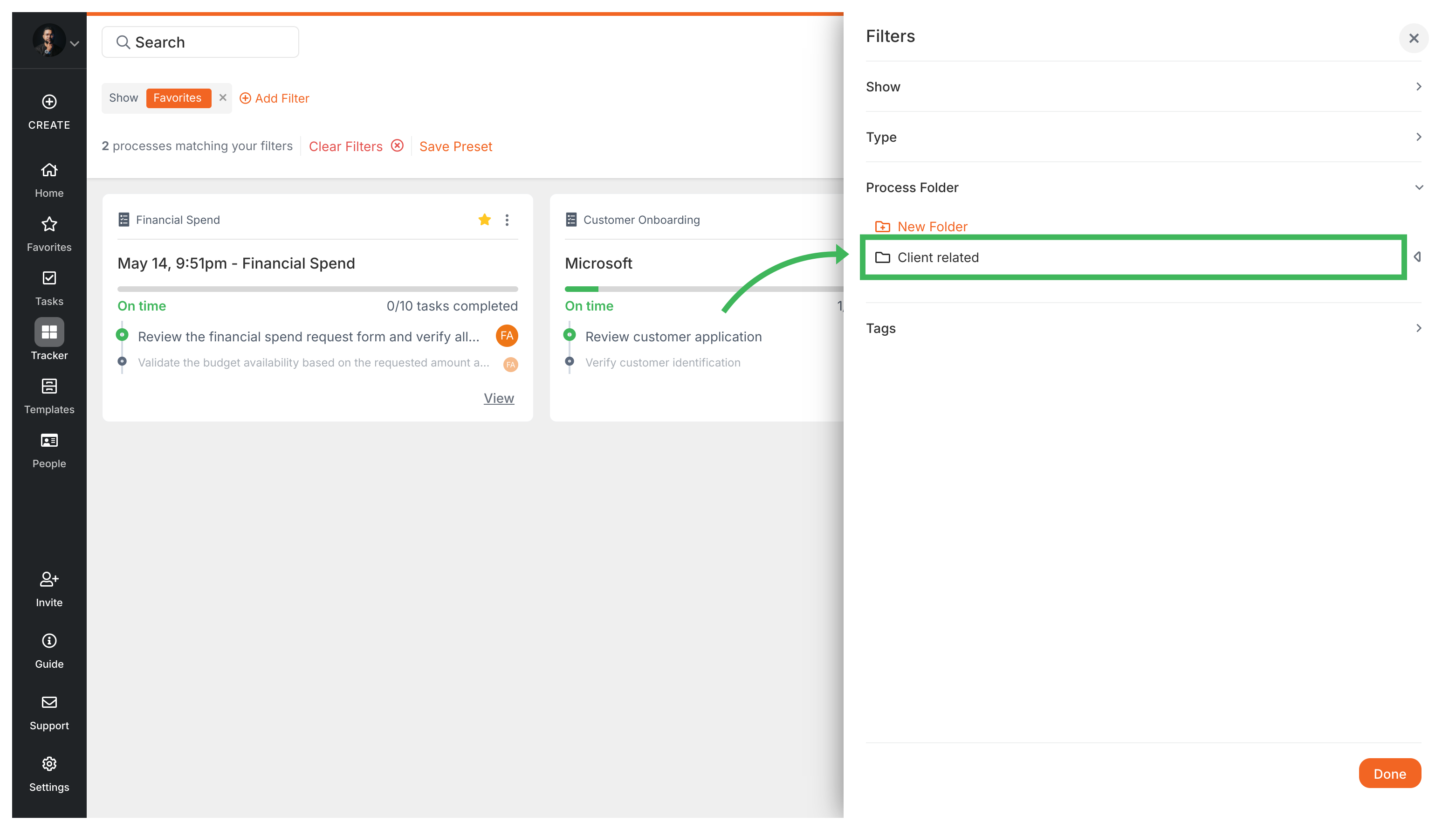
Once a process is in a folder, you can filter the Tracker view to show only that folder’s processes:
Tasks View > Organize tasks and processes into folders
Tracker View > Organize processes
Templates > Using folders for templates
Tracker View > Track running processes