Miscellaneous > Install the Tallyfy desktop app
Tallyfy’s desktop app for macOS and Windows wraps the web app with native notifications, system…
Tallyfy works on any device with a modern web browser. It’s a responsive web app - so there’s nothing to install or configure per device.
Tallyfy’s interface automatically adjusts to fit desktops, tablets, and smartphones. You’ll get the same features on every screen size without needing separate app downloads.
You can manage workflows from anywhere - whether you’re traveling or working remotely. All features work the same regardless of which device you’re using.
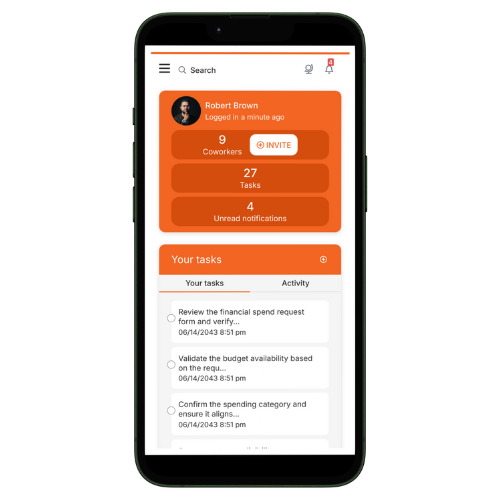
Tallyfy doesn’t have a separate mobile app in app stores because the responsive web app works great on phones already. You get instant access with no install delays, no storage overhead, and no app store dependencies.
If you want native desktop integration, Tallyfy offers a desktop app for macOS and Windows. It provides:
Learn how to install the Tallyfy desktop app
Miscellaneous > Install the Tallyfy desktop app
Tracking And Tasks > Problems with flowcharts