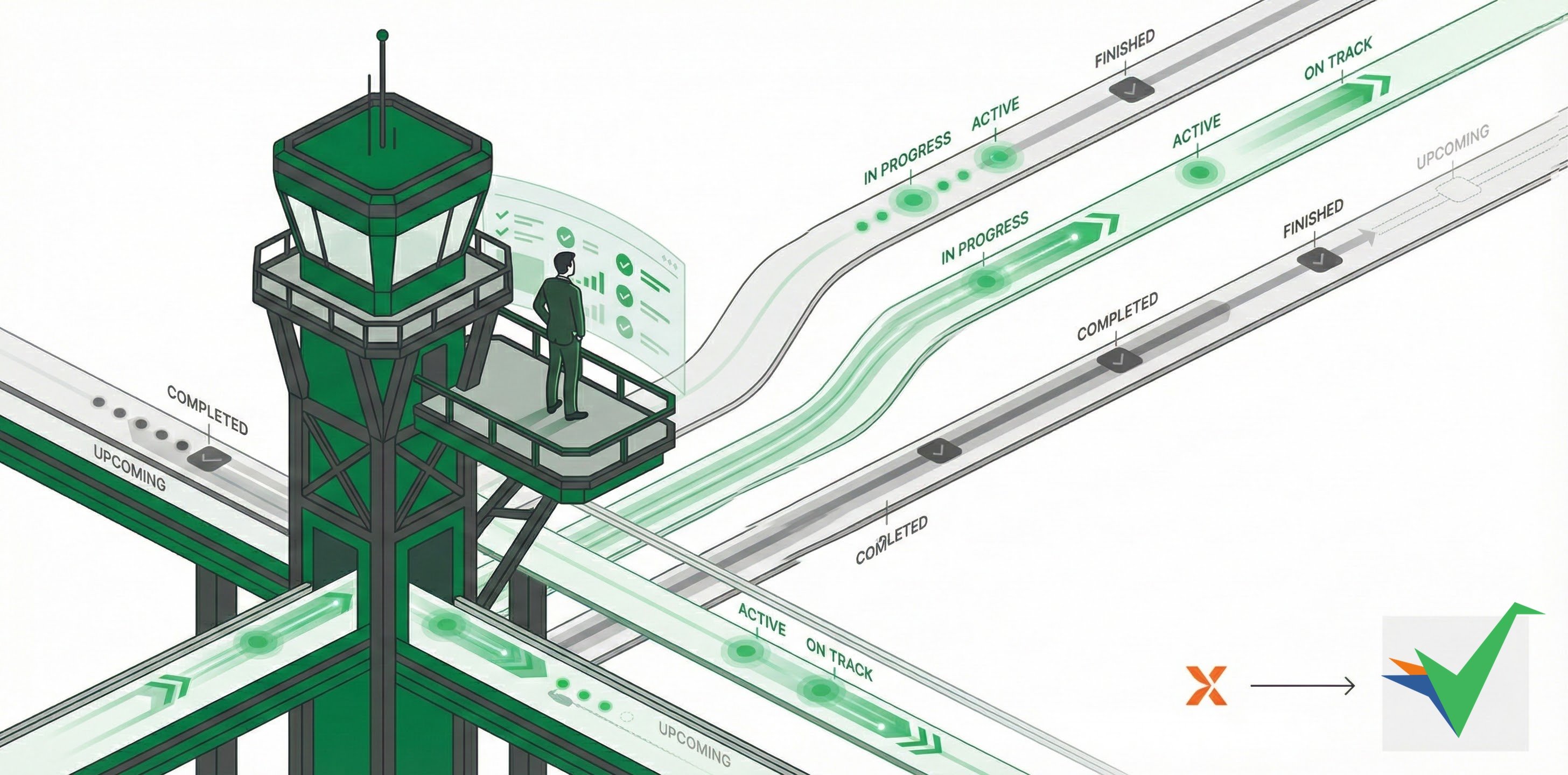
Tallyfy gives you automatic, live status monitoring for all running processes - so you can stop chasing people for updates. You’ll see exactly where things stand at any moment, which eliminates status meetings entirely.
How does real-time tracking eliminate status meetings?
Traditional workflows depend on frequent status meetings where managers ask “What’s the status of this?” These meetings exist partly because people forget process details. Tallyfy’s real-time visibility makes them unnecessary.
Instead of status meetings, you get:
Package tracking for workflows: Just like tracking a FedEx package, you can see exactly where each process stands without asking anyone
Relay race visibility: Clear view of who has the “baton” and what’s coming next in the sequence
“Don’t ask me that again” transparency: Direct people to check the real-time tracker instead of fielding status questions
Real-world impact:
No more status chasing: “Are you done yet?” becomes “let me check the tracker”
Instant progress visibility: See who’s late, who’s on track, and what’s next - no meetings needed
Built-in accountability: Tasks sit visibly in the system until completed, so “I forgot” isn’t possible
Clear handoffs: You can see exactly when one person finishes and the next person’s work begins
How does automatic progress tracking work?
Tallyfy instantly updates process status whenever someone completes a task. You’ll see completed work, active tasks, and upcoming activities - all without anyone sending email updates or chat messages. No information delays, no stale status reports.
How do automatic notifications keep workflows moving?
Tallyfy automatically alerts team members when tasks become available - through both email and in-app notifications. No manual follow-up needed. Workflows keep moving without managers having to chase people down.
How does Tallyfy make analysis and improvement easier?
Because Tallyfy uses standard templates, tracking how long processes and steps take is far more consistent than emails or spreadsheets. That consistency helps you:
Compare different runs of the same process for performance patterns
Spot bottlenecks or steps causing delays
Measure whether changes actually improve the process with real data
Make better decisions based on facts rather than assumptions
How does Tallyfy deliver more predictable results?
Documented, trackable processes in Tallyfy lead to more consistent outcomes than scattered emails or simple to-do lists. Standardized workflows, clear accountability, and systematic execution remove the variability that comes with ad-hoc work management.
Tallyfy replaces static flowcharts and spreadsheets and documents by actually running and tracking your processes in real time with clear task ownership and automatic reminders and step-by-step guidance on any device so teams follow workflows daily instead of ignoring dusty diagrams or outdated files.
Tallyfy transforms static process documentation into dynamic and trackable workflows with real-time status tracking and conditional logic automation plus external guest collaboration and built-in process optimization tools.
Tallyfy replaces static flowcharts with live sequential templates where each step has clear assignments and deadlines so you can track real-time progress through the Tracker view and analytics to spot bottlenecks and then fix flow issues by reordering steps adding conditional logic or running parallel tasks.
Process improvement is the practice of analyzing existing workflows and making targeted changes to reduce waste and errors and increase efficiency — and Tallyfy supports this by making processes visible and trackable so teams can quickly identify bottlenecks and lock in better ways of working.