Tallyfy’s conditional logic lets workflows make automatic decisions using simple “IF X happens” rules based on form field answers and step statuses so processes adapt in real time without manual intervention or complex flowcharts.
If-this-then-that
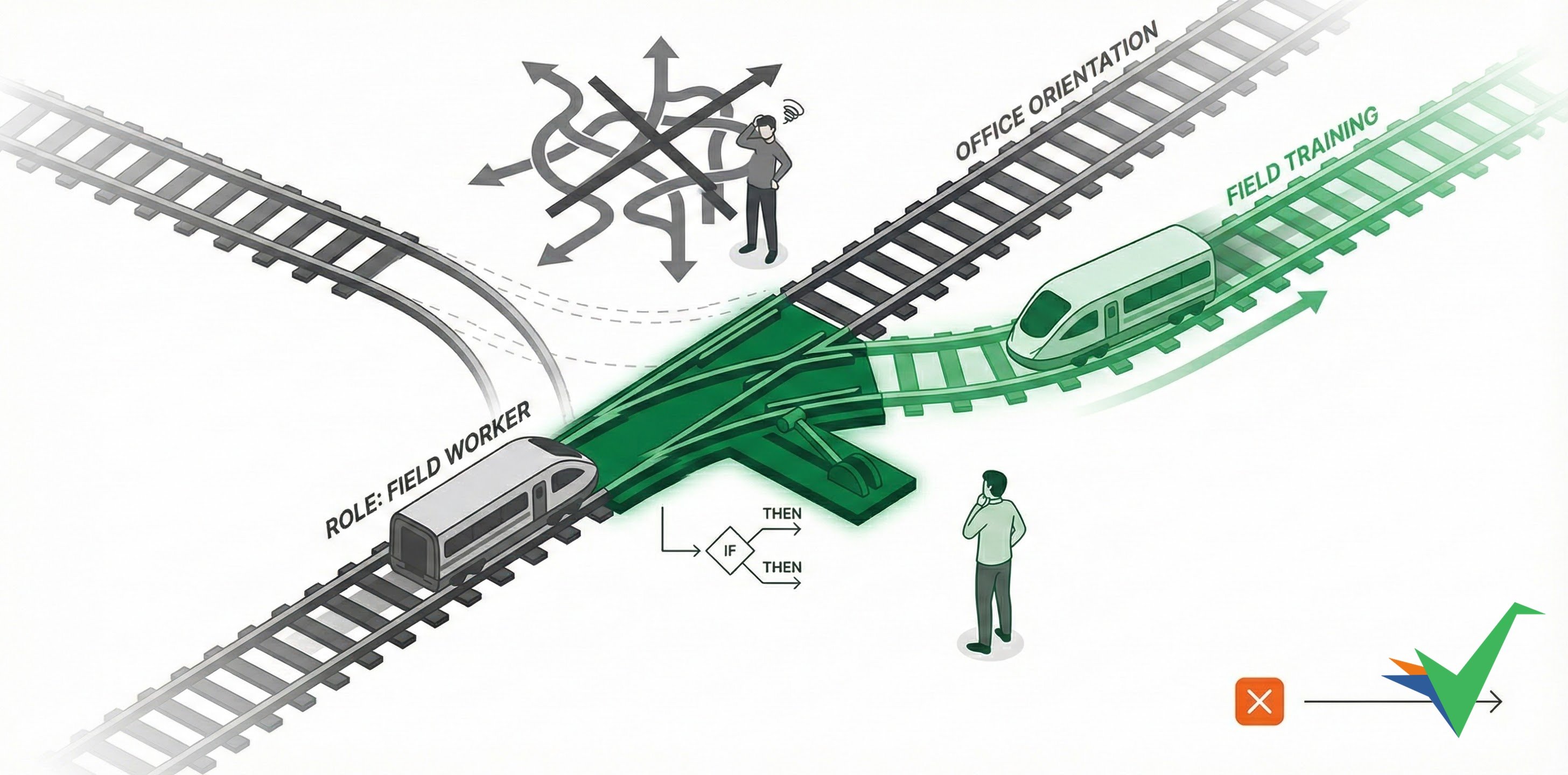
Tallyfy uses “if-this-then-that” rules (also called automations) to make decisions and trigger actions in your processes automatically. Your workflows respond to changing conditions, user inputs, and process states - without manual intervention or coding.
Complex flowcharts confuse business users and are hard to maintain. Tallyfy’s clear if-this-then-that statements are easier to read, manage, and stay accessible to all team members - even for sophisticated scenarios with multiple conditional branches.
No. You don’t need any programming expertise. You can set up rules like “IF the amount exceeds $500, THEN show the manager approval step” through a simple configuration screen.
Yes - teams can adjust their own workflow logic without needing IT help every time something changes.
While rules are simple to create, they can trigger actions in other systems using Tallyfy’s API, Middleware, or Webhooks.
- Change task assignments
- Adjust task deadlines
- Show or hide steps
- Re-open completed tasks
If you have existing flowcharts, Tallyfy’s AI import tool can help turn them into runnable templates.
Tallyfy automations are IF-THEN rules added to templates that automatically adapt running processes based on form field entries and task events by showing or hiding steps and assigning tasks and setting deadlines without any manual routing.
Tutorials > Create an automation
Tallyfy’s automation rules use simple IF-THEN logic to dynamically adapt workflows at runtime — such as hiding and revealing onboarding steps based on a new hire’s role selection in a form field — so processes self-adjust without any manual intervention.
Automations > Logic operations explained
Tallyfy automations use simple IF-THEN rules instead of complex flowcharts to watch user inputs and automatically adjust workflows by showing or hiding steps and reassigning tasks and changing deadlines based on conditions that can be combined with AND/OR logic and evaluated left to right in the order you add them.
Was this helpful?
About Tallyfy
- 2025 Tallyfy, Inc.
- Privacy Policy
- Terms of Use
- Report Issue
- Trademarks