Tallyfy’s document templates let you create locked-down policies and reference materials with editable fill-in-the-blank fields so every team produces consistent branded documents without starting from scratch or dealing with version control nightmares like traditional Word files.
Fill in the blanks
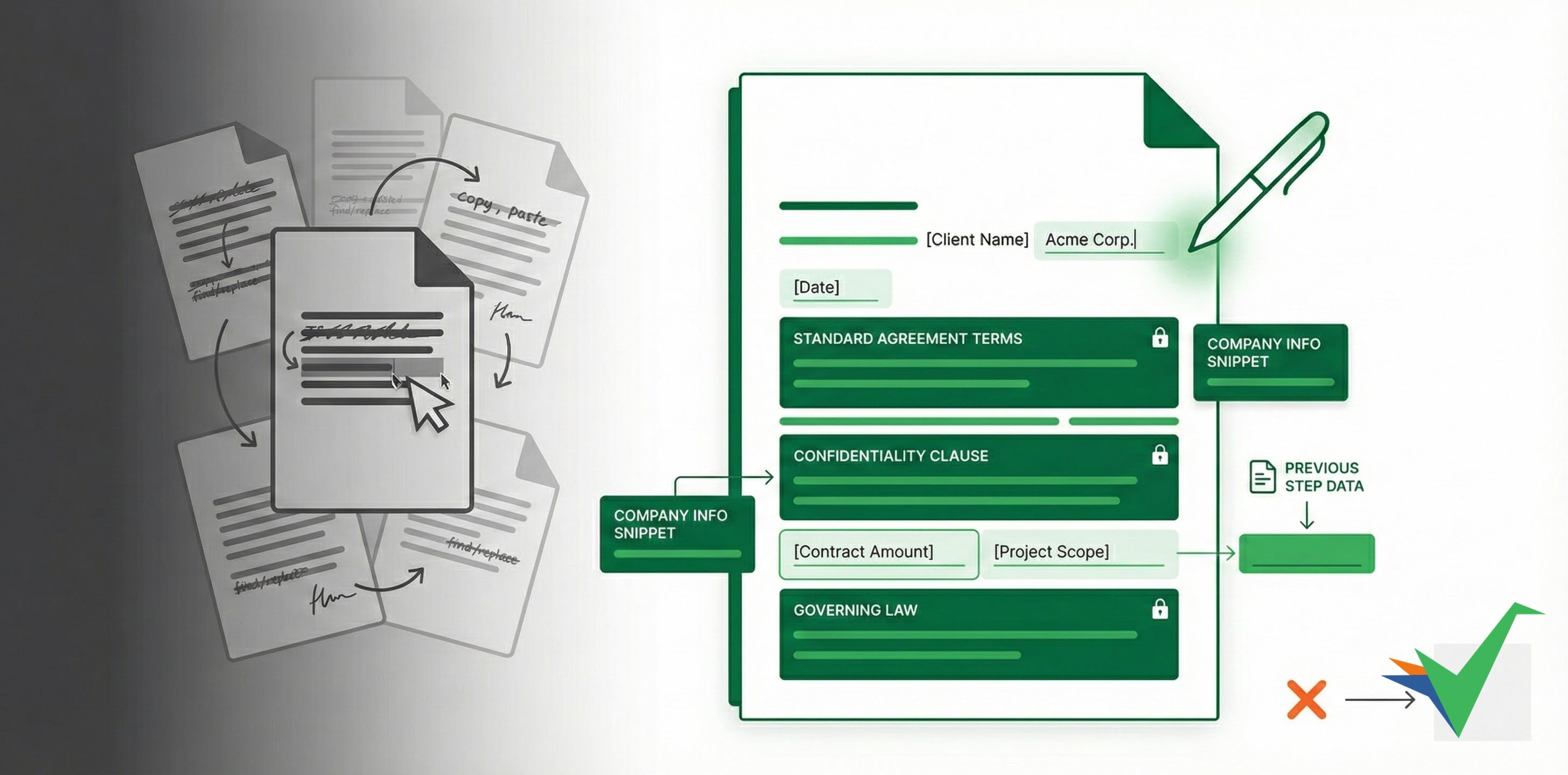
Instead of copying old documents (like contracts) and manually changing details, Tallyfy lets you create smart Document Templates.
You define the standard text that shouldn’t change, then add specific editable fields (blanks) where users enter custom information (like a client name or date). When someone uses the template, they fill in those blanks - everything else stays consistent.
If you have standard paragraphs (like legal text or company info) used across many documents, create a Snippet with that text. Insert it into multiple document templates - and when the text changes, edit the snippet once. The update appears everywhere it’s used.
When you’ve collected information earlier in a process (like a customer name), use Variables to insert that data automatically into your document template. Data gets entered once but can appear in multiple places - reducing errors and saving time, especially for contracts.
Documents > Add fields to documents
Tallyfy’s document templates let you insert editable short text, long text, and date fields into otherwise locked content so that anyone launching the template only fills in the blanks once and every instance comes out consistent.
Snippets in Tallyfy are reusable rich-text blocks that admins create once and any member can insert anywhere in templates or tasks so that updating the snippet in one place automatically pushes the change everywhere it appears.
Tallyfy snippets let admins create reusable text blocks like disclaimers or contact info that any member can insert into template steps and task descriptions and comments through the References panel so you write standard content once and update it everywhere from a single source.
Was this helpful?
About Tallyfy
- 2025 Tallyfy, Inc.
- Privacy Policy
- Terms of Use
- Report Issue
- Trademarks