Tallyfy templates are reusable process blueprints that you create once and launch repeatedly to assign tasks and track progress automatically while solving problems like inconsistent quality and lost knowledge through three types: procedure templates for multi-step workflows with conditional logic and document templates for reference materials and form templates for standalone data collection.
Explain it once
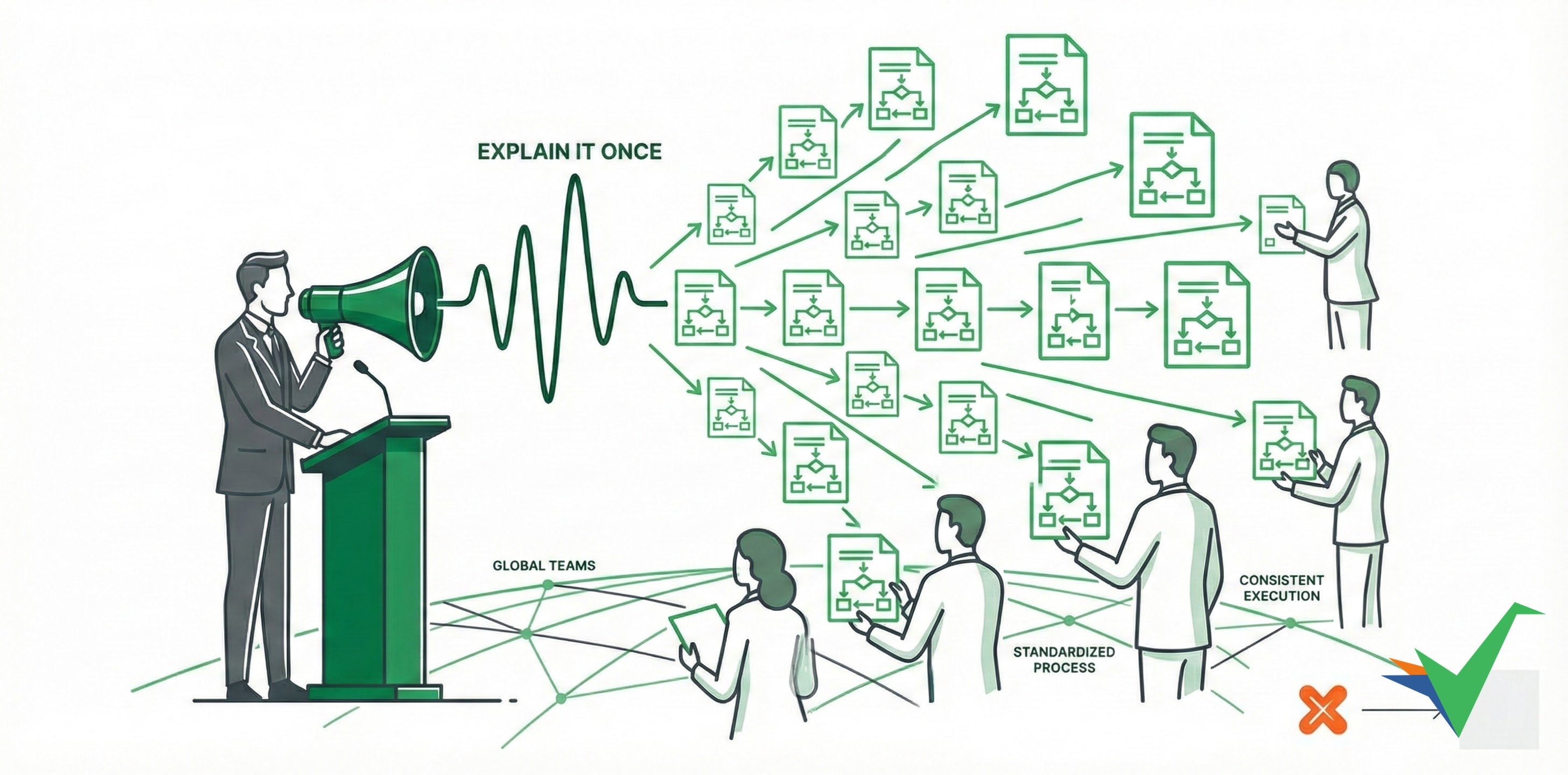
Tallyfy templates are built around the “Explain it Once” idea - you define a process once, then every team runs it the same way. There’s no need to repeat yourself. Teams follow identical steps every time, which cuts training time and prevents the quality problems that come from everyone doing things differently.
Tallyfy provides several ways to create and manage templates:
- AI-assisted creation - Build templates using Tallyfy AI, especially when you’re starting from scratch.
- Document conversion - Upload existing Word docs, PDFs, or flowcharts, and Tallyfy AI will try to convert them into digital templates.
- Multilingual support - Translate template content automatically for global teams using the Azure AI integration. If you operate internationally, review global workplace language requirements for compliance with local regulations.
- Works on any device - Templates and processes automatically adjust to work well on desktops, tablets, and phones.
- Compliance support - Track who did what and when with audit trails, and control permissions to meet regulations.
- Continuous improvement - Use built-in comments to collect feedback and update templates over time.
- Template maintenance - Set reminders for regularly reviewing and updating templates.
- Analytics integration - Connect to tools like Google Analytics to track template usage.
- Conditional logic - Build smart templates using “if-this-then-that” rules (Automations) that adapt to different situations.
Tallyfy is a no-code workflow platform that lets non-technical users turn any business process into a self-driving workflow in minutes by documenting steps as reusable templates and then launching them as trackable processes with automatic task assignments and deadlines and conditional logic and real-time progress visibility for both internal teams and external clients — saving organizations roughly 2 hours per employee per day by eliminating status meetings and follow-up emails and forgotten handoffs.
Tallyfy lets you create reusable process templates in three ways—from scratch for full control or via AI-generated drafts from a typed description or an uploaded Word/PDF document—and also supports an exact HTML import method for compliance-critical SOPs that must preserve every word without AI interpretation.
Tutorials > Create your first template
Tallyfy templates are reusable process blueprints that you can build in minutes using AI by describing what you need and the system generates structured steps automatically or you can build from scratch and upload existing SOP documents for conversion.
Was this helpful?
About Tallyfy
- 2025 Tallyfy, Inc.
- Privacy Policy
- Terms of Use
- Report Issue
- Trademarks