Tallyfy’s API lets you create standalone one-off tasks outside any process by sending a POST request to the tasks endpoint with a title and task type and assignees and deadline as required fields along with optional settings like form fields and webhooks and confidentiality flags.
Create a one-off task
Click + Create and choose Create task to make a standalone to-do with a deadline and assignee - no template needed.
One-off tasks in Tallyfy are independent action items. Use them for urgent work, follow-up actions, or anything that doesn’t fit a standard process.
Got a quick request that doesn’t fit your standard processes? One-off tasks let you track it in Tallyfy without building a whole template. Follow-ups, document reviews, unexpected requests - they all work here alongside your process-based workflows.
-
Click the + Create button and choose Create task.
-
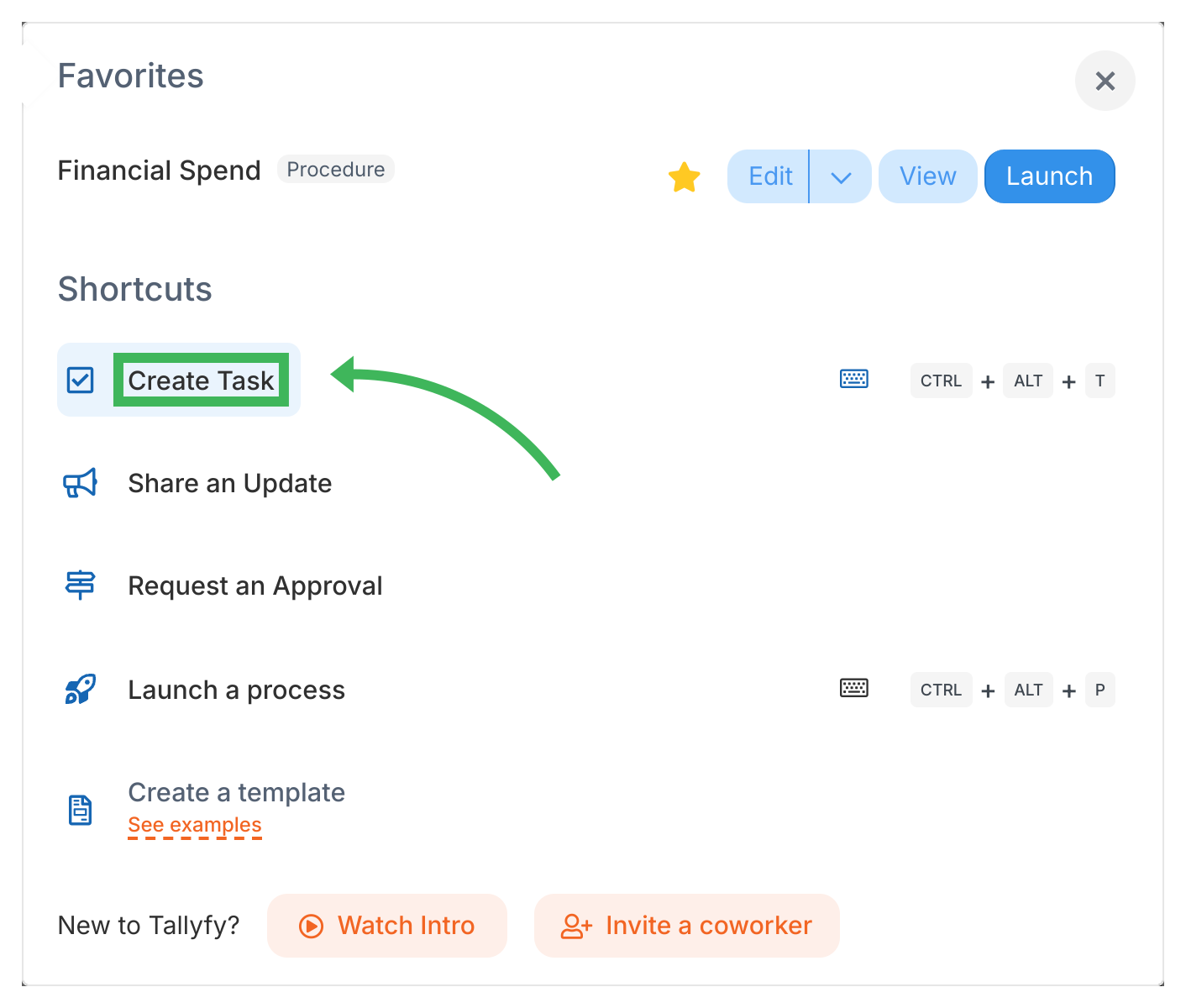
-
Fill in the task details:
- Name: A clear title for the task (up to 600 characters).
- Type: Pick a task type - Regular works for most things, but you’ve also got Approve/Reject, Expiring (auto-completes at deadline to prevent task debt), Email, and Auto-Send Email.
- Description: Instructions or context the assignee needs.
- Assignee: Who’s doing this? You can assign members, groups, or guests.
- Deadline: Required. When the task must be done.
- Start time: Optional. When work should begin.
- Form fields: Add form fields to collect data on completion.
- Advanced: Link this task to a running process or template, add tags, set a webhook, or toggle settings like “everyone must complete.”
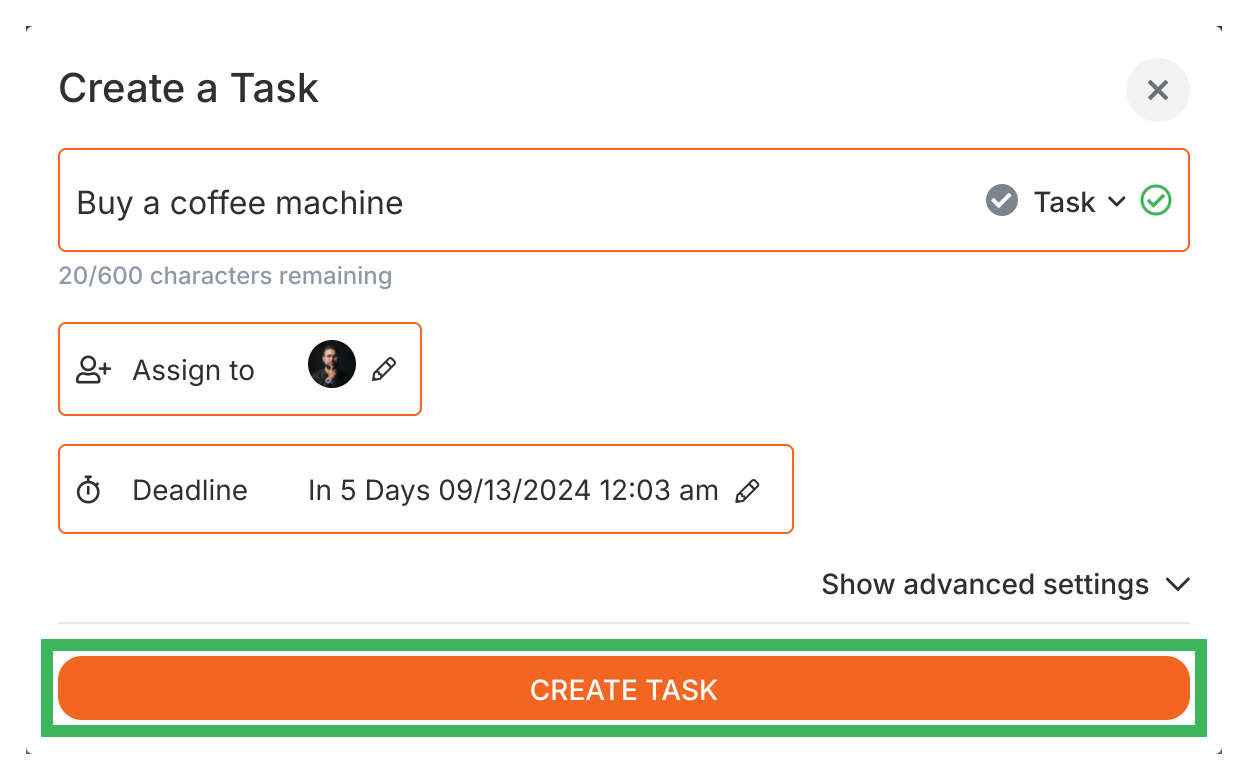
- Click Create Task.
- Assignees get a notification right away.
- When they complete it, you’ll get notified too.
- Complete or reopen tasks when things need a second look
- Create subtasks to break work into smaller pieces
- Use the Tasks view to manage all your tasks in one place
Tallyfy offers process tasks (steps within templates that become active tasks when a process runs) and standalone one-off tasks across five types: standard tasks for general to-dos and approve/reject tasks for decisions and expiring tasks that auto-complete at their deadline and two email task types that either auto-send or let assignees review a draft before sending.
Tracking And Tasks > More about tasks
Tallyfy organizes all work into two types of tasks — process tasks that run inside repeatable workflow templates and one-off standalone to-dos — where steps in templates become active tasks upon launch and timing controls like start times and deadlines keep everyone aligned on what to do and when.
Edit Processes > Add tasks to active processes
Tallyfy lets you insert new tasks into already-running processes without restarting or modifying the original template by either typing directly in the process view or linking a pre-made one-off task to a specific position within the active process.
Was this helpful?
About Tallyfy
- 2025 Tallyfy, Inc.
- Privacy Policy
- Terms of Use
- Report Issue
- Trademarks