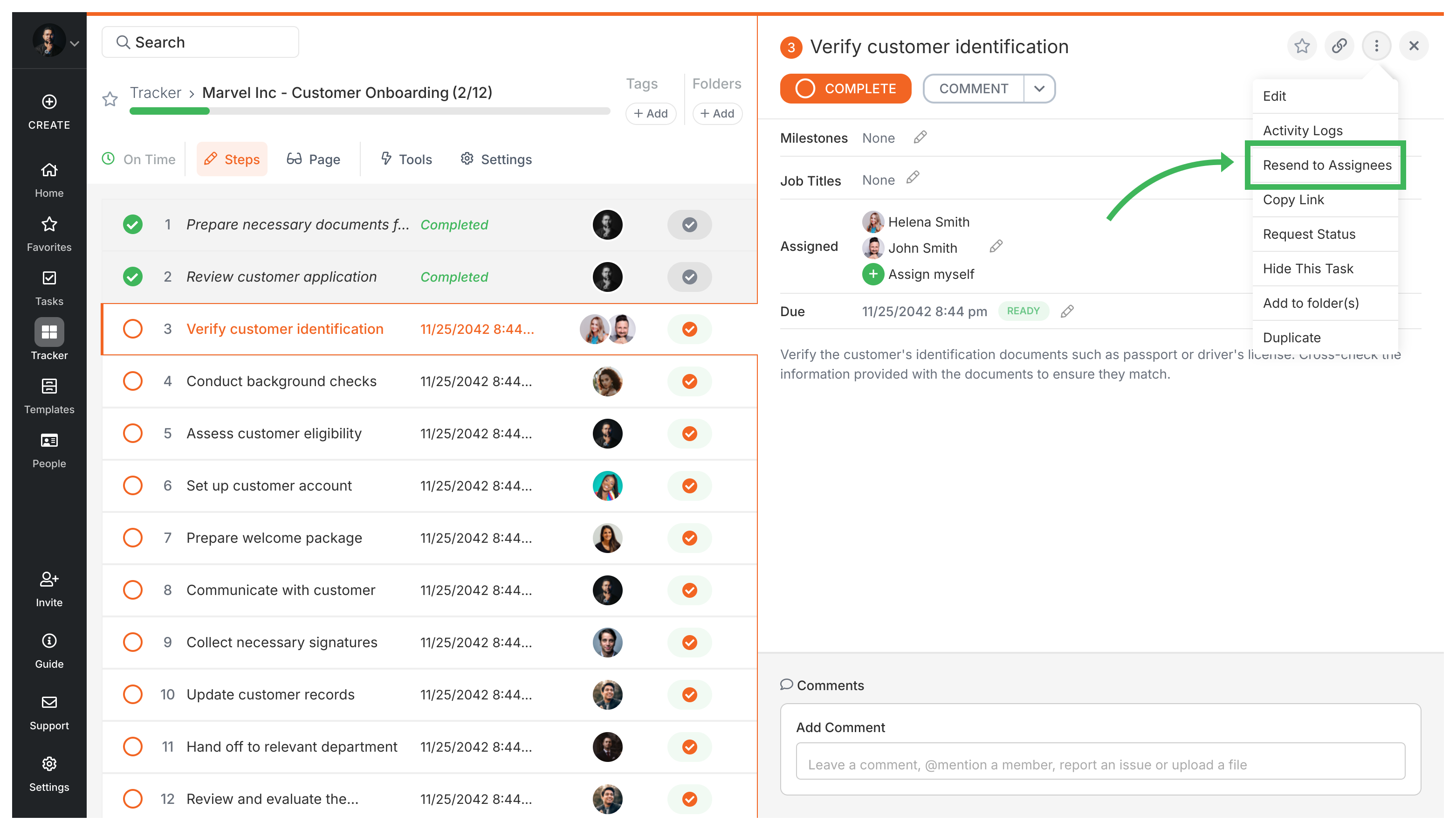
Click the menu icon (…) next to any active task and select Send Email Reminder to instantly notify all assignees. Tallyfy sends the email to every assigned member and guest - except you (the sender).
Sometimes Tallyfy’s automatic reminders aren’t enough. Urgent deadline? Someone stuck? A manual reminder gives people a direct nudge.
How to send a manual email reminder
Find the task in your Tasks view or Tracker view. The task must be active - you can’t send reminders for completed or auto-skipped tasks.
Click the menu icon (…) next to the task name.
Select Send Email Reminder from the menu.
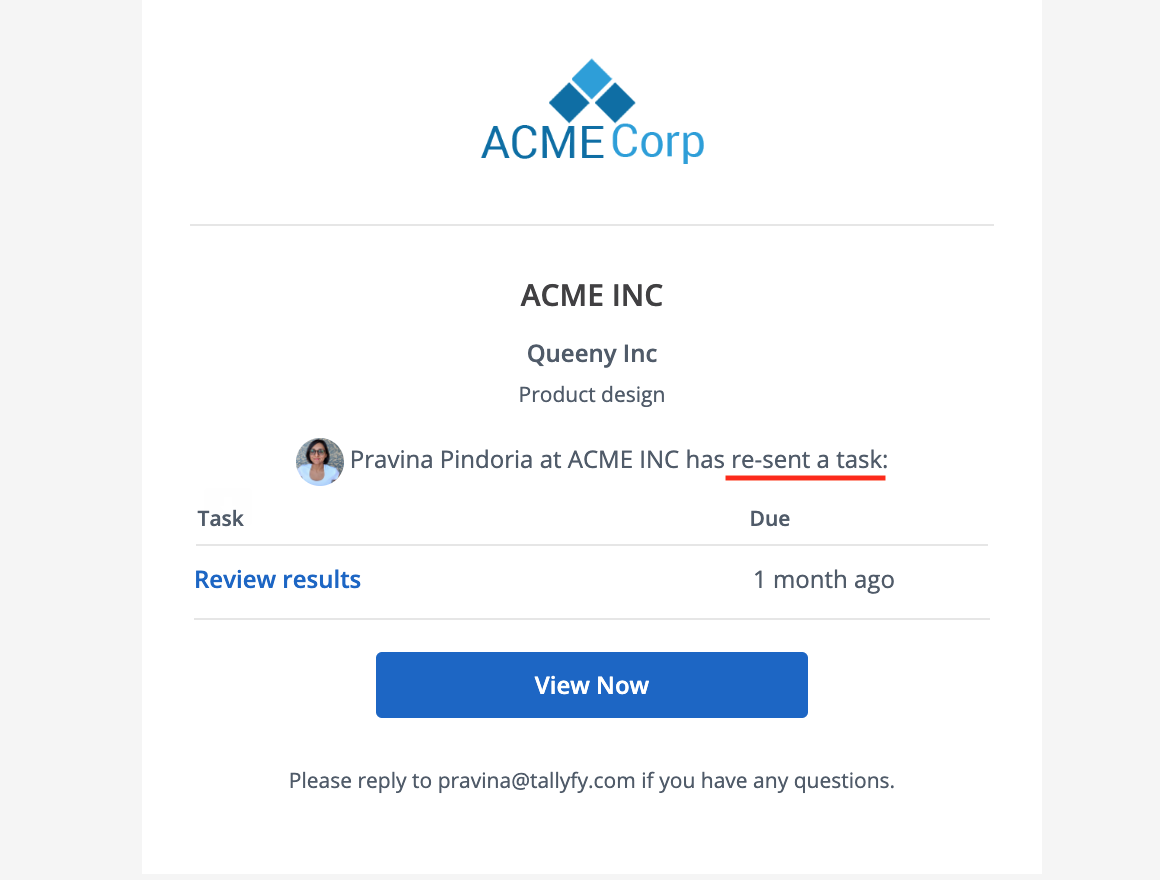
Tallyfy immediately sends a reminder email to all other assignees. Here’s what the email looks like:
Key details about manual reminders
They’re sent immediately - no delay
All assigned members and guests receive the email, except the person who triggered the reminder
These bypass daily digest and reminder frequency settings - but won’t reach members who’ve turned off all emails entirely
This works for both process tasks and standalone (one-off) tasks
Tallyfy lets you toggle individual email notifications on or off for task assignments and comments and deadlines and process completions through your profile settings and also offers digest emails sent at 6 AM on chosen days to summarize upcoming or overdue tasks.
Tallyfy ensures tasks and approvals get done on time through automated reminders and escalation paths while also helping teams reduce overload by bundling related work and setting clear deadlines with built-in commenting and @mentions for direct follow-up.
Tallyfy lets you bring external clients and partners into your workflows as free guests who complete specific tasks through secure email links without needing full accounts or logins while internal team members maintain oversight and control over the entire process.
Tallyfy lets you assign tasks to external guests by entering their email address in a template or running process and the guest receives a secure link to complete their work without needing an account or password while at least one internal member is always co-assigned for oversight and comment routing.