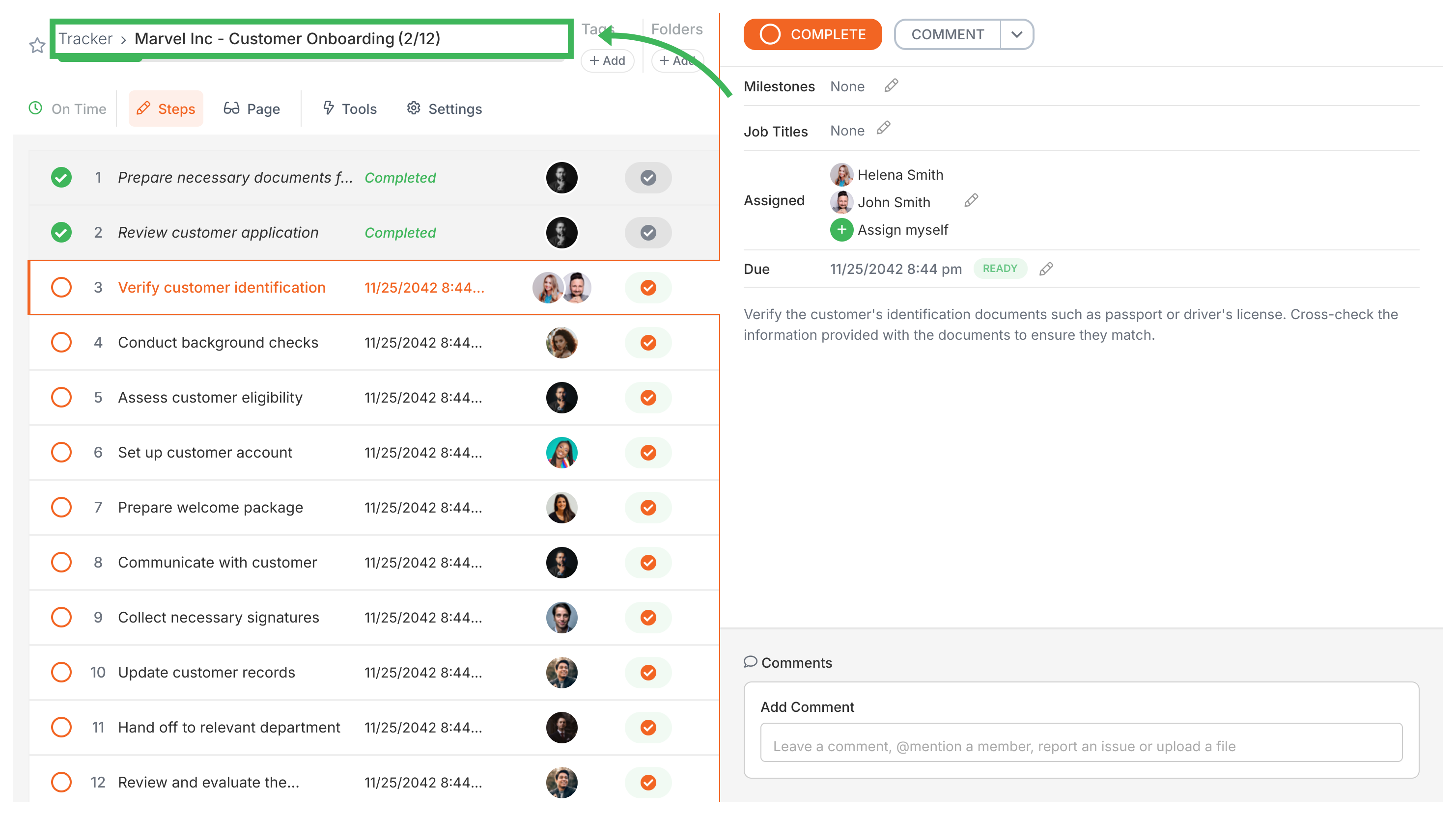
Tallyfy lets you modify a running process without restarting it by opening the process from Tracker view and clicking the Settings gear icon to rename it and reassign the owner and add notes or export data.
Rename a Tallyfy template through the Settings panel or by clicking the pencil icon next to the template name in Edit view - changes only apply to new processes.
In Tallyfy a process is a live running instance of a template that you launch and track daily where each process captures a snapshot of its template at launch time and can be uniquely named or auto-named while allowing extra tasks to be added on the fly and then archived or restored after completion.
Tallyfy lets you modify any running process independently from its original template by adding new tasks and reassigning existing ones and adjusting due dates and renaming or archiving the instance while keeping the master template completely unchanged.