Tallyfy’s interface is built around a left sidebar menu with quick access to creating processes and templates along with sections for tasks and tracking and people management plus a universal search bar at the top that finds anything across your account and top bar icons for language selection and notifications.
Universal search
Tallyfy’s universal search helps you find anything across your workspace - templates, running processes, tasks, and snippets.
Type what you’re looking for into the search bar at the top of your interface.
Universal search indexes these content types across your Tallyfy organization:
- Tags and categories
- Names and titles
- Descriptions
- Step names
- Step descriptions
- Process tags
- Process names
- Notes added to processes
- Task names
- Task descriptions
- Comments on tasks
- Task names and titles
- Comments on standalone tasks
- Snippet titles
- Snippet content
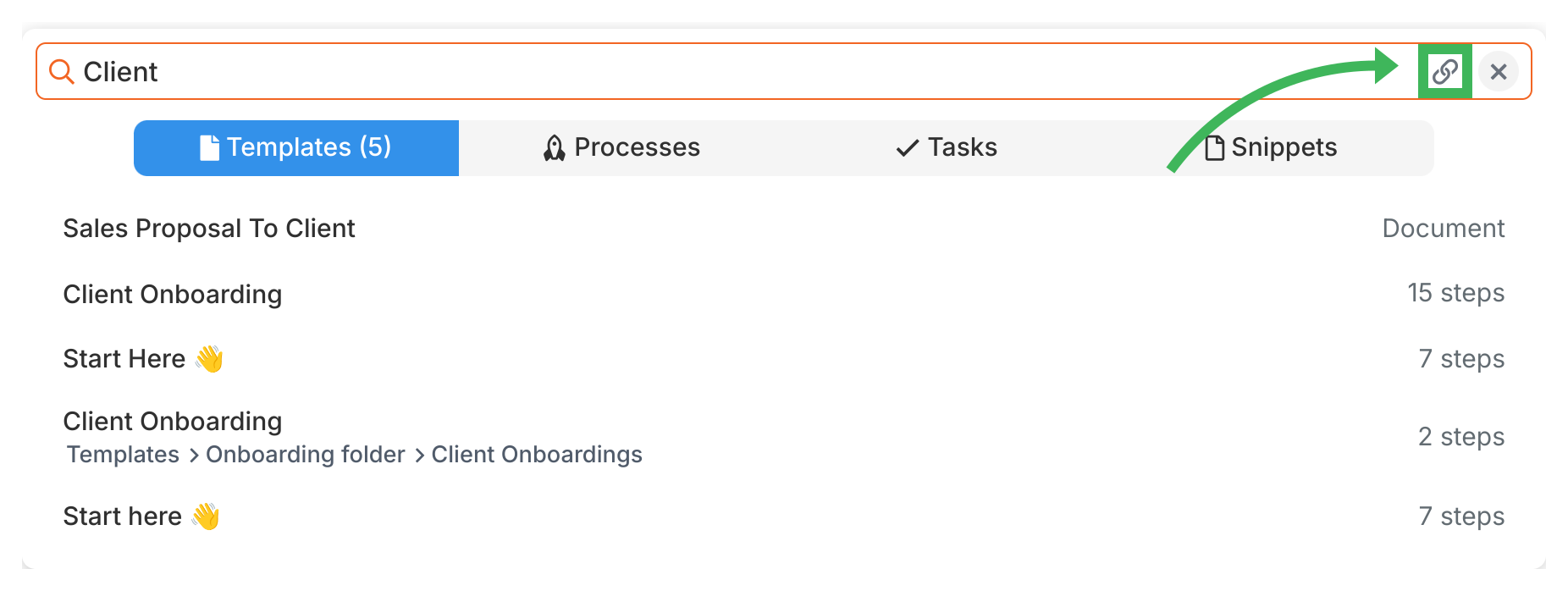
Results show all matching items with contextual information. For templates in folders, you’ll also see the folder path so you can navigate to the right template.
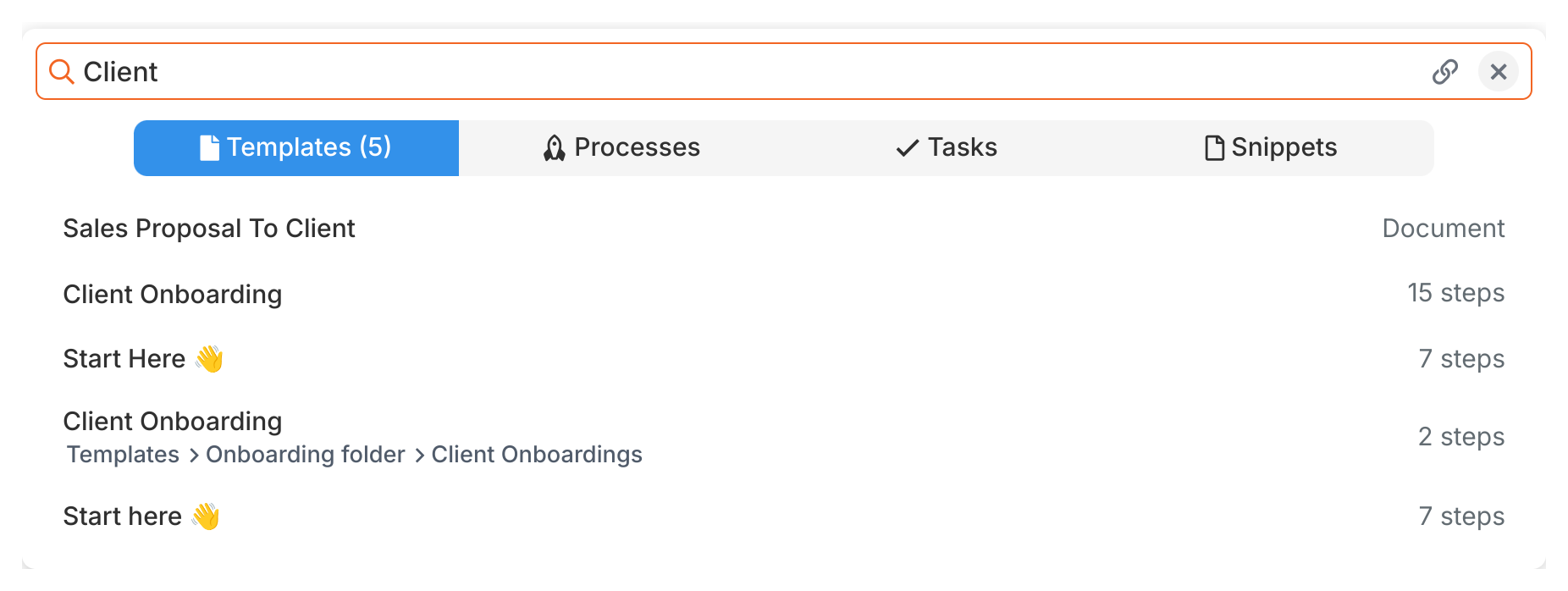
To share a direct link to any search result, click the share icon next to it. This copies a link to your clipboard that you can send to team members.
Tallyfy templates are reusable process blueprints that you create once and launch repeatedly to assign tasks and track progress automatically while solving problems like inconsistent quality and lost knowledge through three types: procedure templates for multi-step workflows with conditional logic and document templates for reference materials and form templates for standalone data collection.
Tags in Tallyfy let you attach color-coded keywords to templates and running processes so you can organize and filter items across multiple categories at once without being limited by a single-folder structure.
Templates > Organizing templates
Organizing your Tallyfy template library through smart folder structures and naming conventions and tags and proper step grouping ensures teams can instantly find and run the right process while maintaining clean version control and regular audit cycles to keep everything accurate and up to date.
Was this helpful?
About Tallyfy
- 2025 Tallyfy, Inc.
- Privacy Policy
- Terms of Use
- Report Issue
- Trademarks