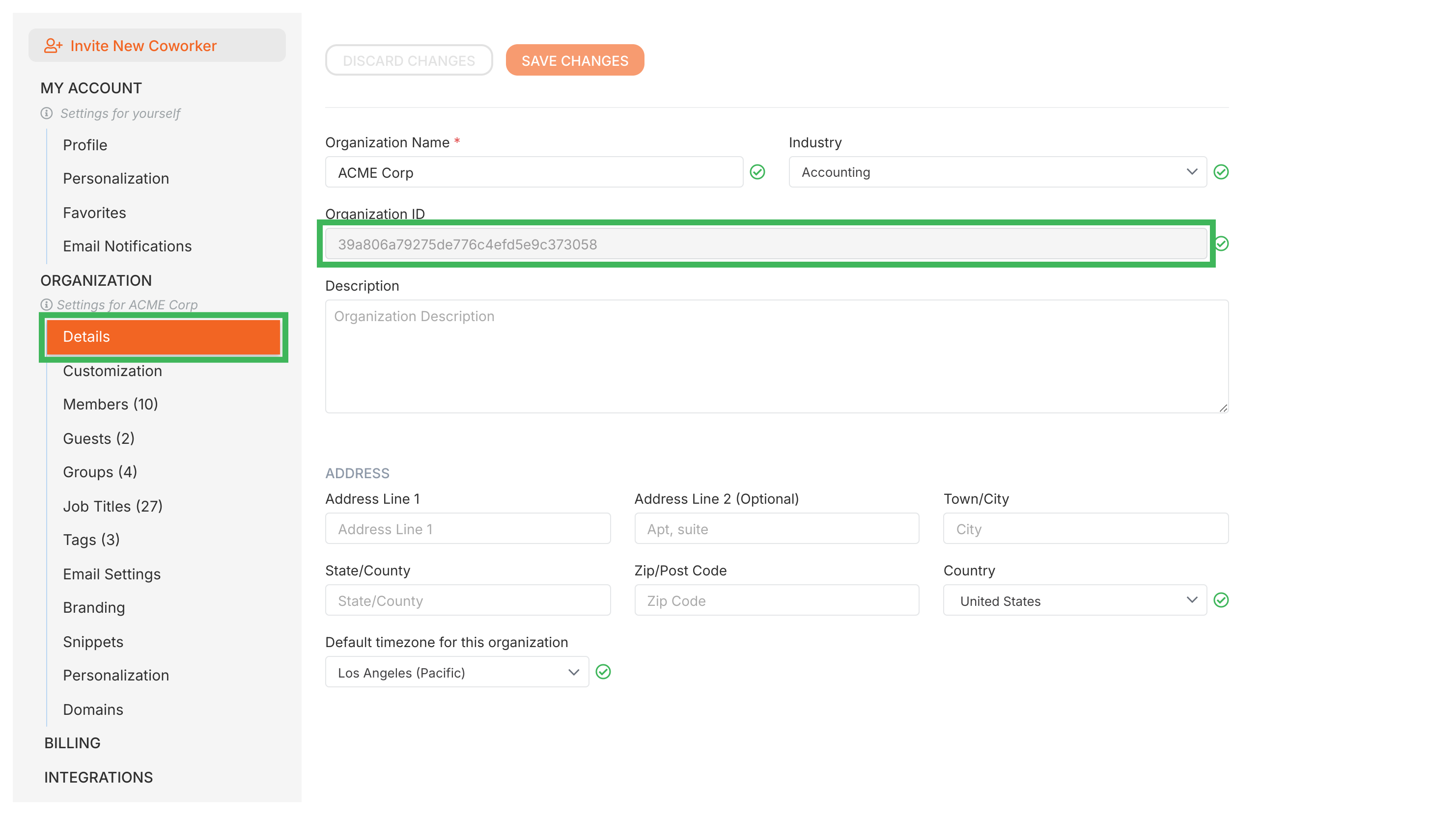
When contacting Tallyfy support you should provide the full browser URL of the specific item in question along with your Organization ID found under Settings > Organization so the team can quickly locate your account and resolve your issue.
Tallyfy offers a range of resources beyond its core workflow tools including company background and trust information along with support and troubleshooting guides and details on browser compatibility and system features like file storage and search and translation and legal documentation.
Tallyfy’s interface is built around a left sidebar menu with quick access to creating processes and templates along with sections for tasks and tracking and people management plus a universal search bar at the top that finds anything across your account and top bar icons for language selection and notifications.
Tallyfy transforms static process documentation into dynamic and trackable workflows with real-time status tracking and conditional logic automation plus external guest collaboration and built-in process optimization tools.