Tallyfy integrates with email through custom SMTP configuration for branded domain-based notifications and a Gmail add-on that lets you launch processes and convert emails into trackable tasks directly from your inbox along with upcoming features for in-email task actions and personal email account connections.
Gmail add-on
The Gmail add-on lets you create tasks, start processes, and view your task list - right from your inbox. No tab switching needed.
- A Google Workspace or standard Gmail account
- An active Tallyfy account
- Permission from your Google Workspace admin to install add-ons (for work accounts)
- Create Task - turn any email into a Tallyfy task with the subject and body pre-filled
- My Tasks - view, edit, and complete your assigned tasks without leaving Gmail
- Start Process - pick a template and launch a workflow from any email
- Link Email to Task - attach a Gmail thread to an existing Tallyfy task as a comment
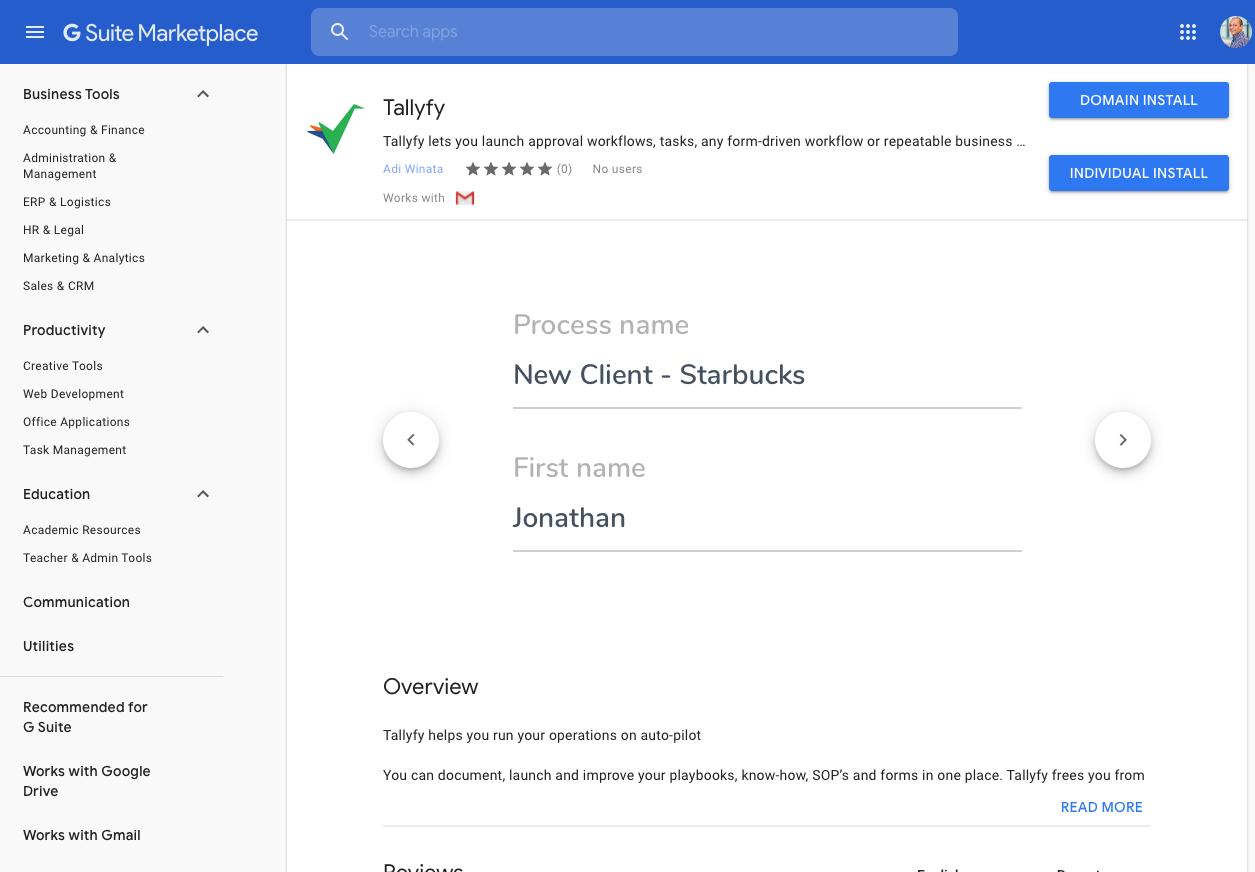
- Go to the Tallyfy Add-on page in the Google Workspace Marketplace ↗
- Click Install
- Grant the required permissions so Gmail can connect with Tallyfy
- Look for the Tallyfy icon in Gmail’s right sidebar
Click the Tallyfy icon in Gmail’s right sidebar. Sign in once, then you’ll see the dashboard.
The dashboard shows these buttons: Create Task, My Tasks, Start Process, Link Email to Task, and Settings.
- Click Create Task on the dashboard
- The task name auto-fills from the email subject, and the details field pulls in the email body
- Set a deadline using natural language (e.g., “Tomorrow night”, “May 6th at 5:30pm”)
- Assign the task to a team member or guest
- Click Create
- Click Start Process on the dashboard
- Select a template from the dropdown
- Fill in any kick-off form fields
- Click Continue to launch
Templates on a Docs plan won’t appear here - you need a Basic or Pro plan to start processes.
- Click My Tasks on the dashboard
- Your active tasks appear with View, Edit, and Complete buttons on each
- Use Prev / Next to page through results
- Click View in browser to open Tallyfy’s full task view
This lets you post a Gmail thread as a formatted comment on any existing task.
- Click Link Email to Task on the dashboard
- Select a template, then a running process, then a specific task
- The email thread (subject, sender, body) gets posted as a comment on that task
| Problem | Fix |
|---|---|
| Tallyfy icon missing | Refresh Gmail and clear your browser cache |
| Can’t sign in | Sign out of the add-on completely, then sign back in |
| Can’t create tasks | Check your Tallyfy permissions - Light users have limits |
| Add-on is slow | Try refreshing - it’s usually a connection issue |
The add-on works on desktop Gmail and the mobile Gmail app. Desktop gives the fullest experience.
Integrations > Actions within emails
Tallyfy is exploring interactive email actions that would let users approve requests and complete tasks directly inside Outlook or Gmail without switching apps using technologies like Microsoft Adaptive Cards and Gmail schema.org markup.
Connect Your Email > Google Workspace email connection
Tallyfy’s planned Google Workspace integration will send workflow emails from your own Gmail address using OAuth 2.0 with only the
gmail.send permission and it works with all Google security features while storing nothing beyond an encrypted refresh token and your email address. Tallyfy’s planned Connect Your Email feature will allow each user to authorize sending workflow notifications directly from their personal Gmail or Outlook account via OAuth so that recipients see emails from a real person rather than a system address which improves deliverability and response rates while keeping replies in your inbox and requiring only minimal send-only permissions.
Was this helpful?
About Tallyfy
- 2025 Tallyfy, Inc.
- Privacy Policy
- Terms of Use
- Report Issue
- Trademarks