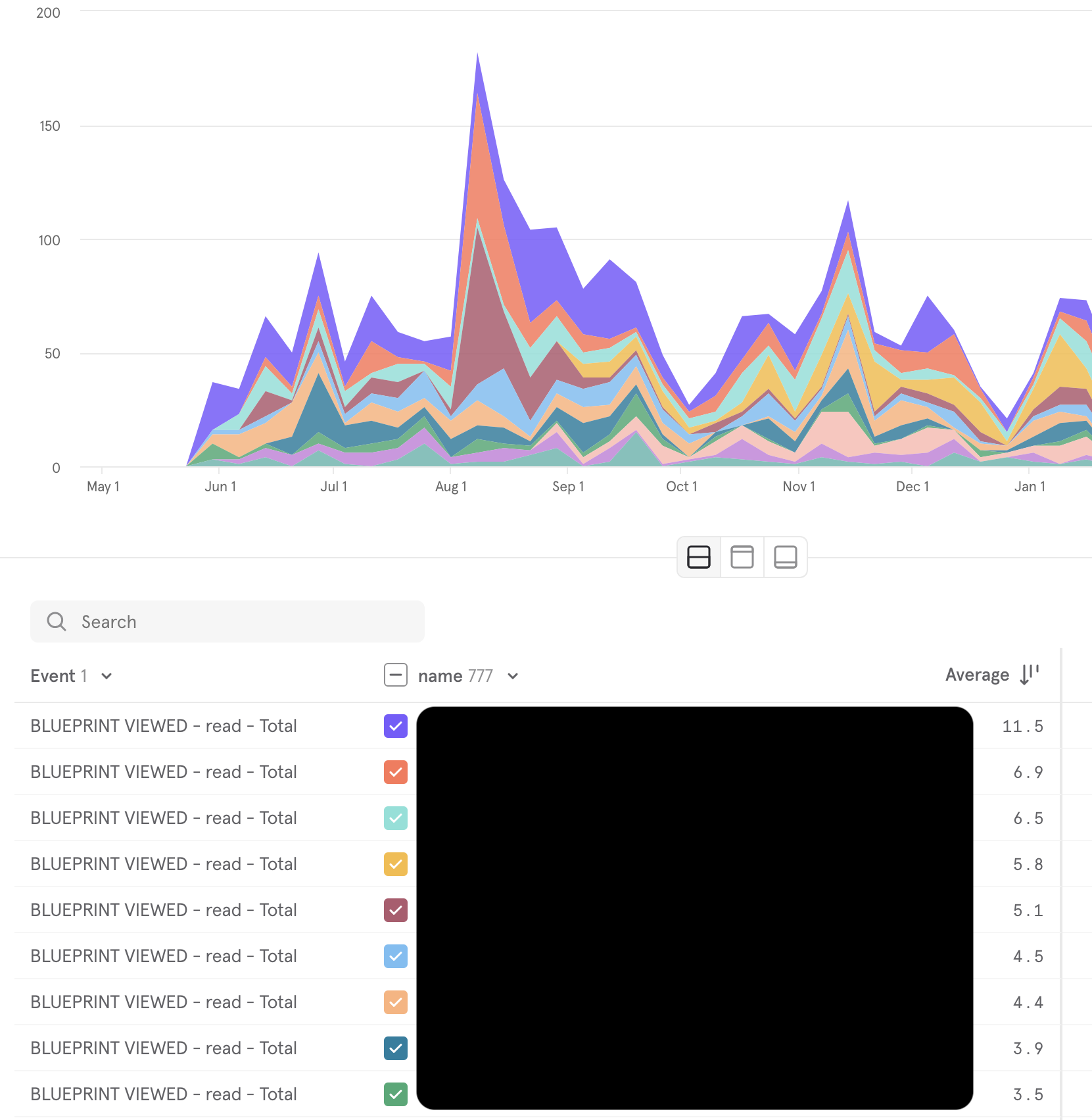
Measure reading engagement with Google Analytics or Mixpanel
Connect Google Analytics or Mixpanel to Tallyfy
Tallyfy can send usage data directly to your own Google Analytics (GA4) or Mixpanel account. Paste your Measurement ID or project token, and you’ll see how your team interacts with templates, processes, and tasks - right inside your analytics dashboards.
See what gets used: Which templates or documents get the most views?
Spot trends: Identify your busiest workflows and when people access them
Measure engagement: Track page views, task completions, and process launches over time
Setting up Google Analytics (GA4)
What you need
A Google Analytics 4 account with admin rights
A Tallyfy Pro or Enterprise plan
Administrator permission in Tallyfy
Step 1: Get your GA4 Measurement ID
In Google Analytics, go to Admin > Data Streams
Select your web data stream and copy the Measurement ID (format: G-XXXXXXXXXX)
Step 2: Connect Tallyfy to Google Analytics
In Tallyfy, go to Settings > Integrations
Find the Google Analytics section
Paste your Measurement ID into the Tracking ID field
Click Save
Done. Tallyfy starts sending page views and events to your GA4 property.
What Tallyfy sends to GA4
Tallyfy automatically sends events enriched with custom dimensions2 including:
Dimension
Event Parameter
Description
Organization ID
orgId
Your Tallyfy organization
Task ID
taskId
Specific task being viewed
Process ID
processId
Active process instance
Template ID
blueprintId
Template being accessed
Template Step ID
blueprintStepId
Specific step in a template
Each event also includes user context (user ID, email, role) and session details automatically. You can create custom dimensions in GA4 under Admin > Data display > Custom definitions to surface these parameters in your reports.
Cross-device user tracking (optional)
Tallyfy sends a user_id with every event, which means GA4 can track the same person across their laptop, phone, and tablet. Go to Admin > Reporting identity in GA4 to configure how users are identified - blended, observed, or device-based.
Setting up Mixpanel
How to connect Mixpanel
In Tallyfy, go to Settings > Integrations
Find the Mixpanel section and enter your Mixpanel Project Token
Click Save
What Mixpanel tracks
Mixpanel captures the same events Tallyfy sends to GA4, including:
Page views across templates and processes
Task completions
Process launches
Template views
Mixpanel also receives user profile data (name, email, role) and organization context, so you can build user-level funnels and cohort analysis.
What you can do with the data
Once connected, both Google Analytics and Mixpanel let you:
Tallyfy Analytics is an add-on that replicates your workflow data into a private Amazon Athena environment where you can run SQL queries and connect BI tools like Tableau or Power BI to build custom dashboards and track process trends over time.
Effective process improvement relies on collecting and analyzing real data rather than assumptions and Tallyfy Analytics automatically captures task completion times and bottleneck patterns that you can connect to BI tools like Tableau or Power BI for spotting trends and driving fact-based workflow changes.
Tableau plugs directly into Tallyfy Analytics through Amazon Athena so teams can build interactive dashboards and spot workflow bottlenecks and track SLA compliance and analyze form data without writing code or depending on IT.
Looker and Looker Studio both connect to Tallyfy Analytics through Amazon Athena so teams can build interactive dashboards and drill into workflow performance data without writing SQL using either the enterprise platform or the free visualization tool.
Footnotes
Unlimited free external users who access Tallyfy via guest_code authentication ↩
GA4 event parameters that capture Tallyfy-specific context beyond standard page view metrics ↩