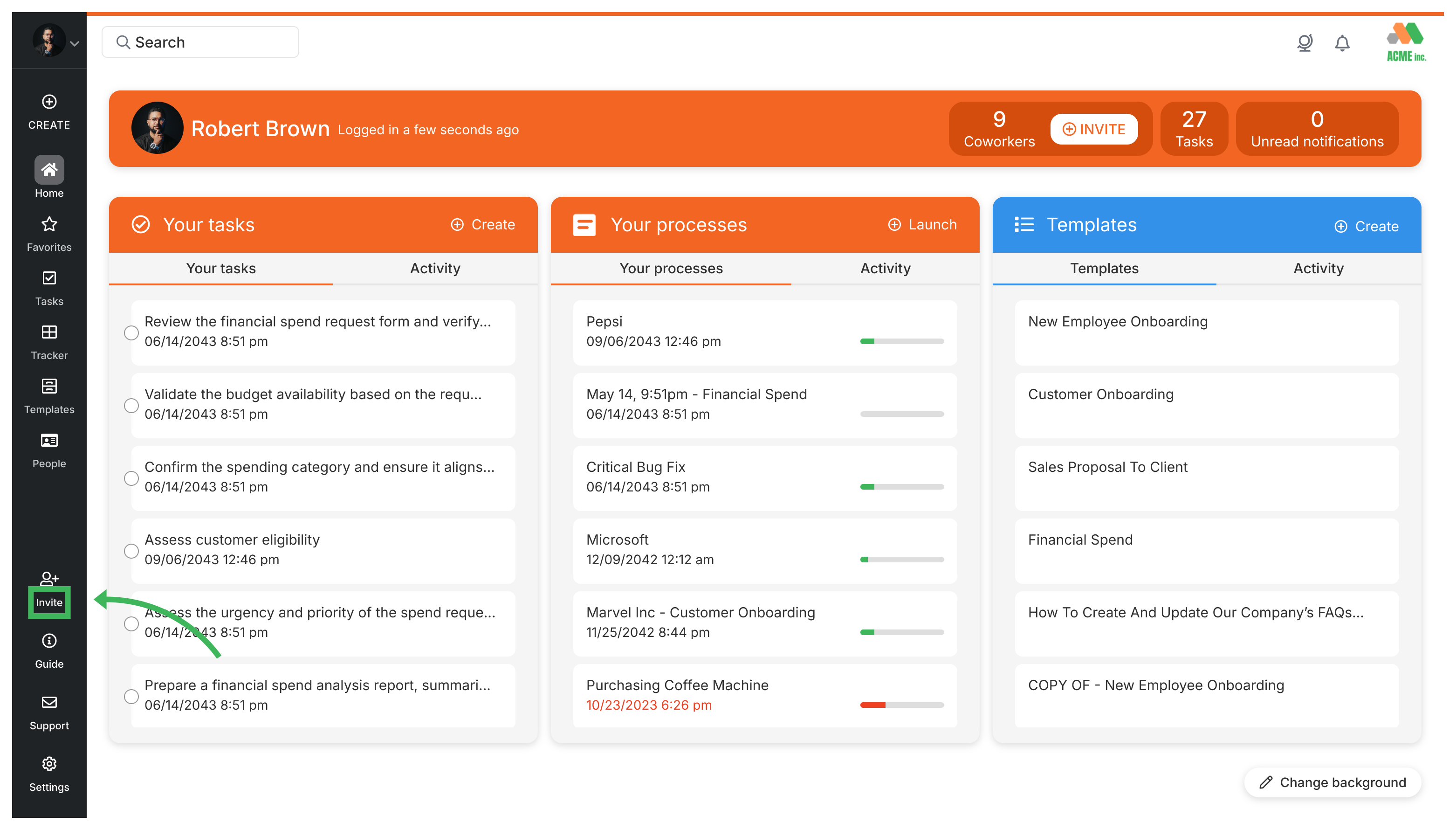
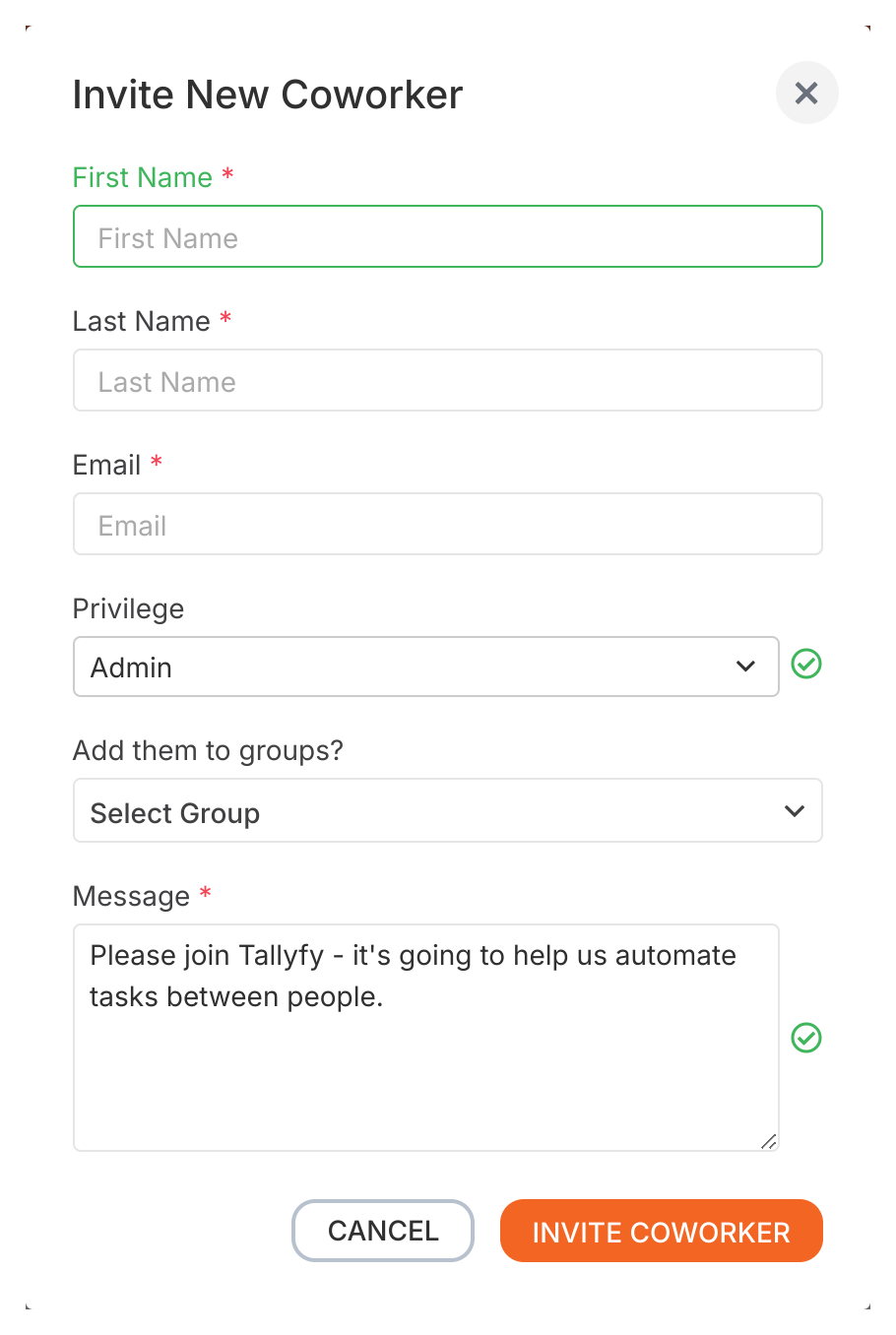
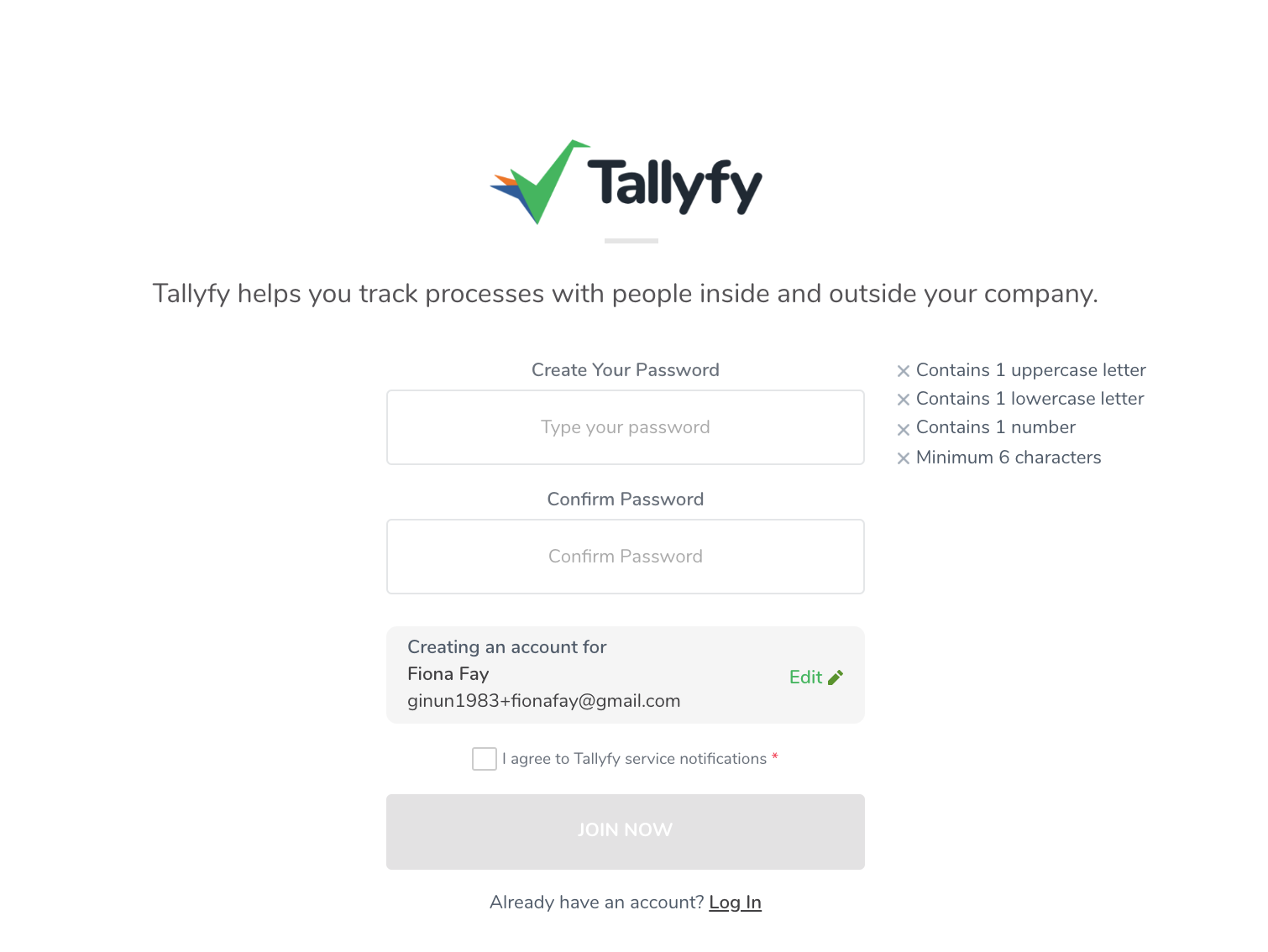
Tallyfy’s API lets you invite new users to your organization by sending a POST request with their email and name and role and a personal message to the /users/invite endpoint which returns the invited user’s profile with a status of “invited” until they accept.
Every Tallyfy organization member has one of four statuses—Active (billable and can use the platform) Invited (pending acceptance and not billed) Deactivated (removed and not billed) or Bot/Unbilled (integration or system accounts not billed)—and administrators manage these statuses along with task reassignment and deletion safeguards through the organization settings.
Tallyfy offers three member roles where Administrators have full account control including billing and settings and people management while Standard members can create templates and run processes with Admin-granted permissions and Light members serve as a lower-cost option limited to completing assigned tasks only.
Members in Tallyfy are your organization’s users (employees or contractors) who hold one of three roles — Administrator for full control and Standard for daily workflow tasks and Light for task-only access — with each role determining what areas and features that person can reach within the platform.